Best mini PC for running local AI models in 2026: 7 picks compared
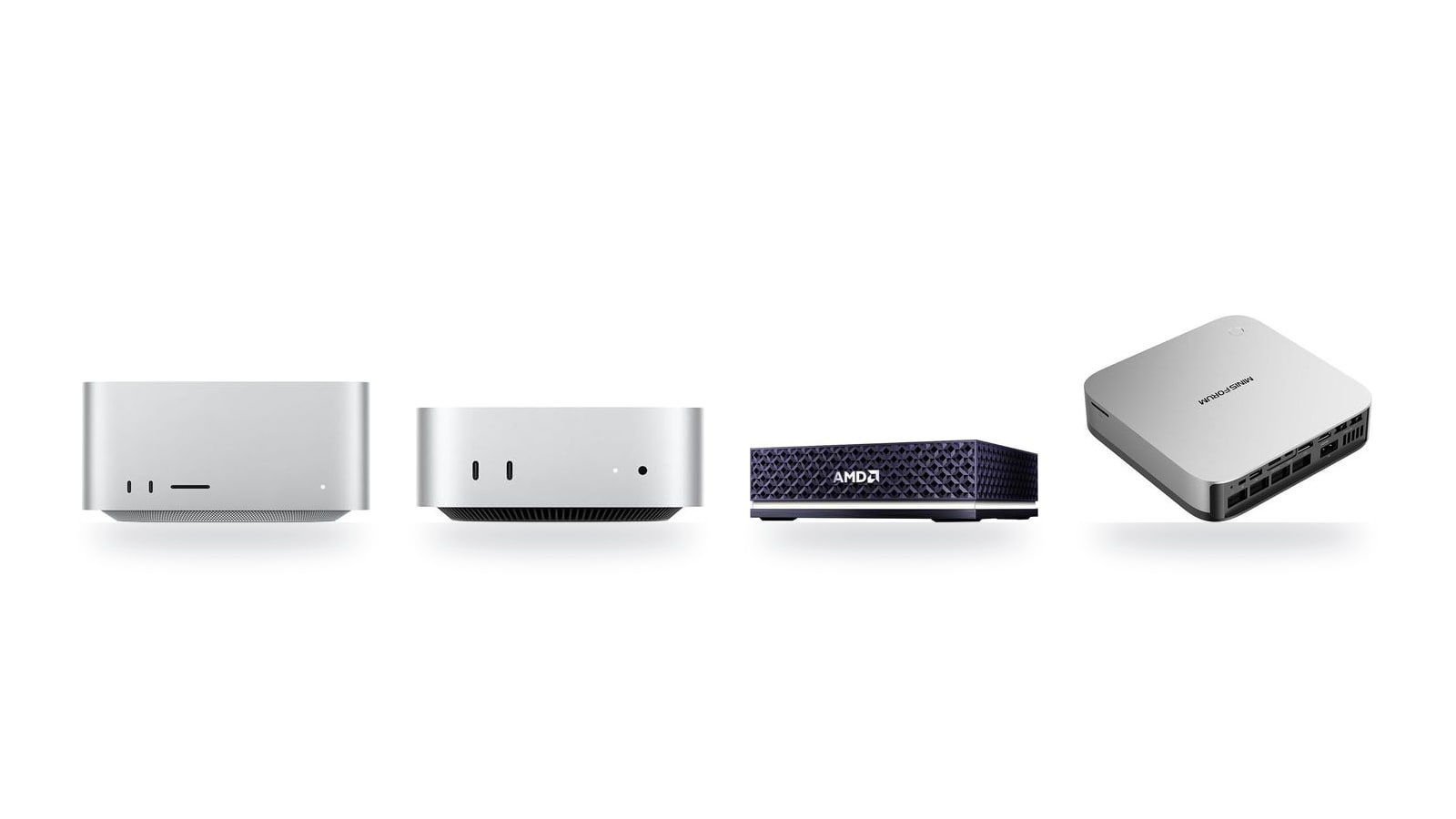
A 70B model at Q4 quantization needs about 40 GB of memory before you add a context window, so most mini PCs are limited to the 8B–14B class no matter what their NPU rating says. Below are the seven machines worth considering, grouped by which model sizes they can realistically run and how fast.
Quick picks
The right mini PC for a local LLM depends on which model size you want to run, not on NPU TOPS. Each pick below fits one type of buyer and one model-size tier, from 8B on a $779 Mac mini to 70B on Strix Halo.
We may earn a commission if you buy through the links on this page. This does not change our picks, which are based on published specs, manufacturer documentation and community benchmark reports.
This is the pick for buyers who want the fastest tokens per second on 14B–32B models without tuning anything. It has the highest-bandwidth unified memory in this lineup, and both MLX and llama.cpp's Metal backend work out of the box, so Ollama and LM Studio run on the GPU with no setup.
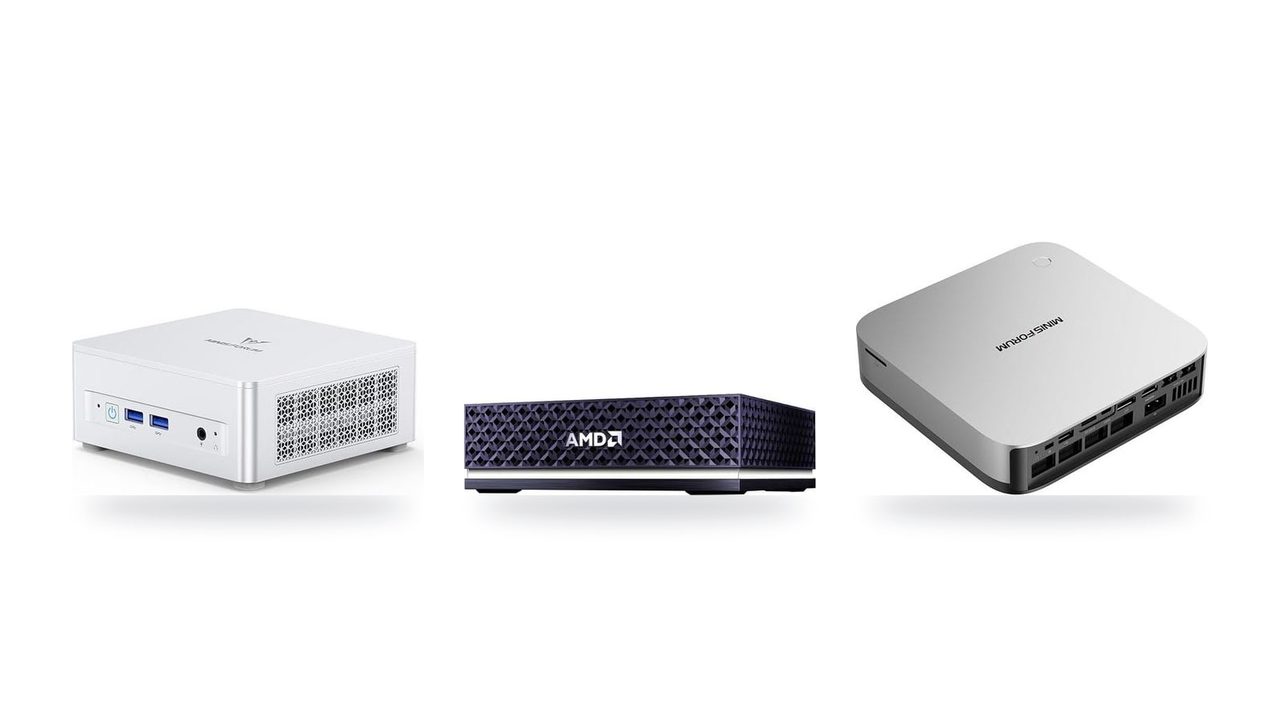
This is the pick if your goal is 70B models running fully in memory on Windows or Linux. Built on AMD's Strix Halo (Ryzen AI Max) platform, it holds a Q4 70B model entirely in its unified memory pool instead of spilling to slower storage, and it is the only non-Apple machine in this lineup that can.
At $1,247, this suits buyers who need Windows or x86 compatibility and want room to grow:
- Upgradeable memory: it uses socketed DDR5, so you can add capacity later. That is not possible on any Mac or on Strix Halo.
- NPU: the Ryzen AI 9 HX 370 is rated at 50 NPU TOPS, which matters for Windows AI features rather than for Ollama.
At $779, this is the cheapest way into MLX. It runs 8B models at Q4 smoothly, which covers chat, summarizing and light coding help. Choose it if you are starting with small models and don't need 32B or larger yet.
The short version:
- Mac Studio (M5 Max): buy it for speed.
- AMD Ryzen AI Halo: buy it for capacity.
- AI X1 Pro-370: buy it for upgradeability on Windows.
- Mac mini (M6): buy it to get started cheaply.
The other three fill the gaps between these picks:
- Mac mini (M5 Pro): the middle step on macOS, with a wider memory bus than any x86 box here for faster 14B–32B output.
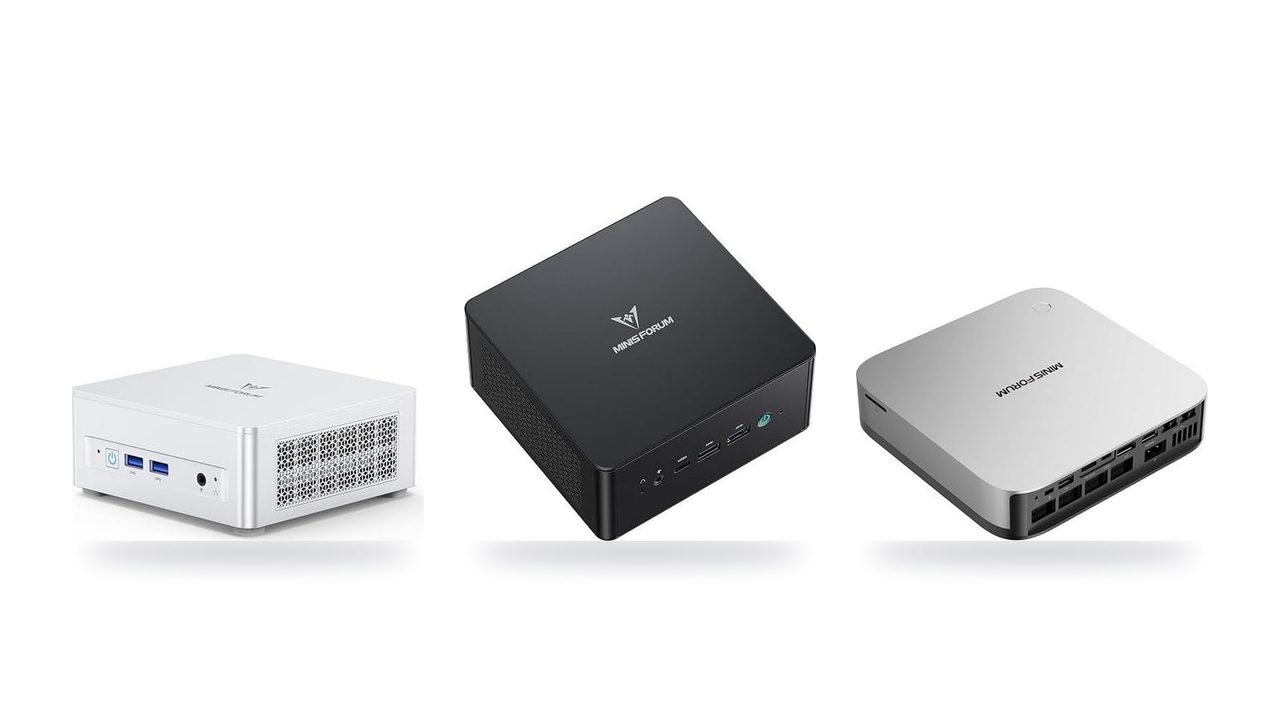
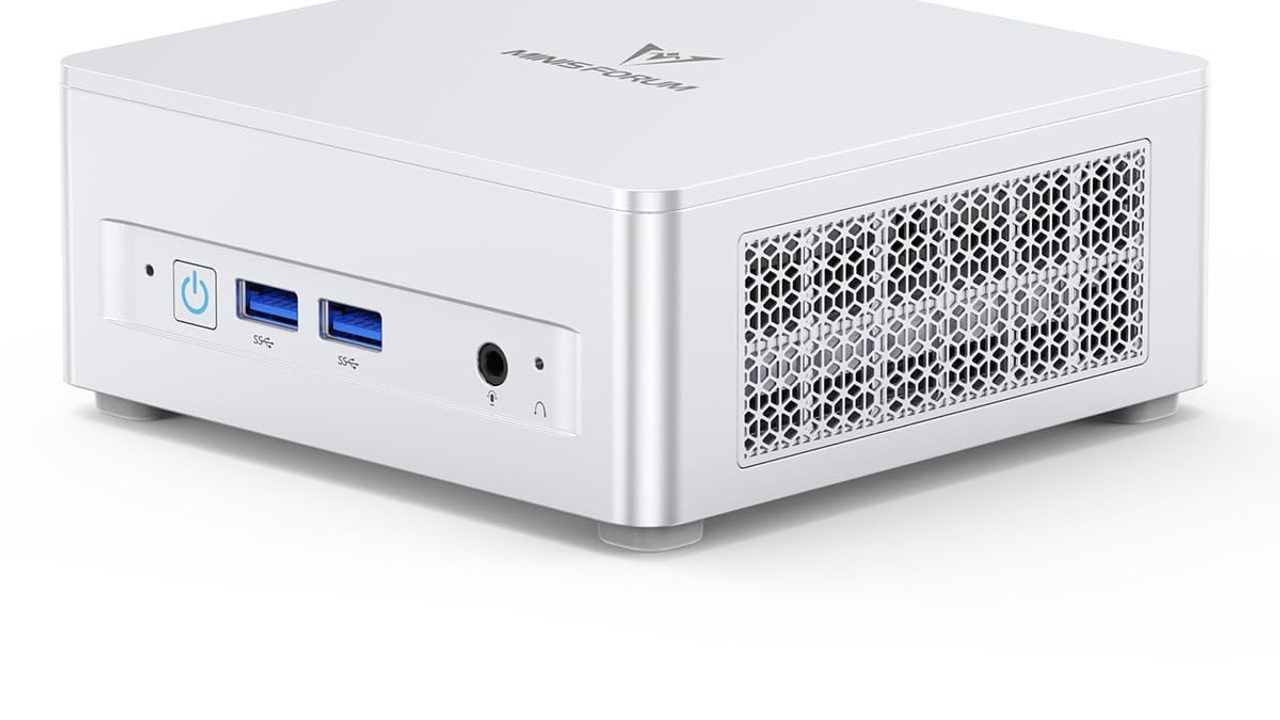
- MINISFORUM UM890 Pro: the only machine here with OCuLink, so you can add an eGPU later.
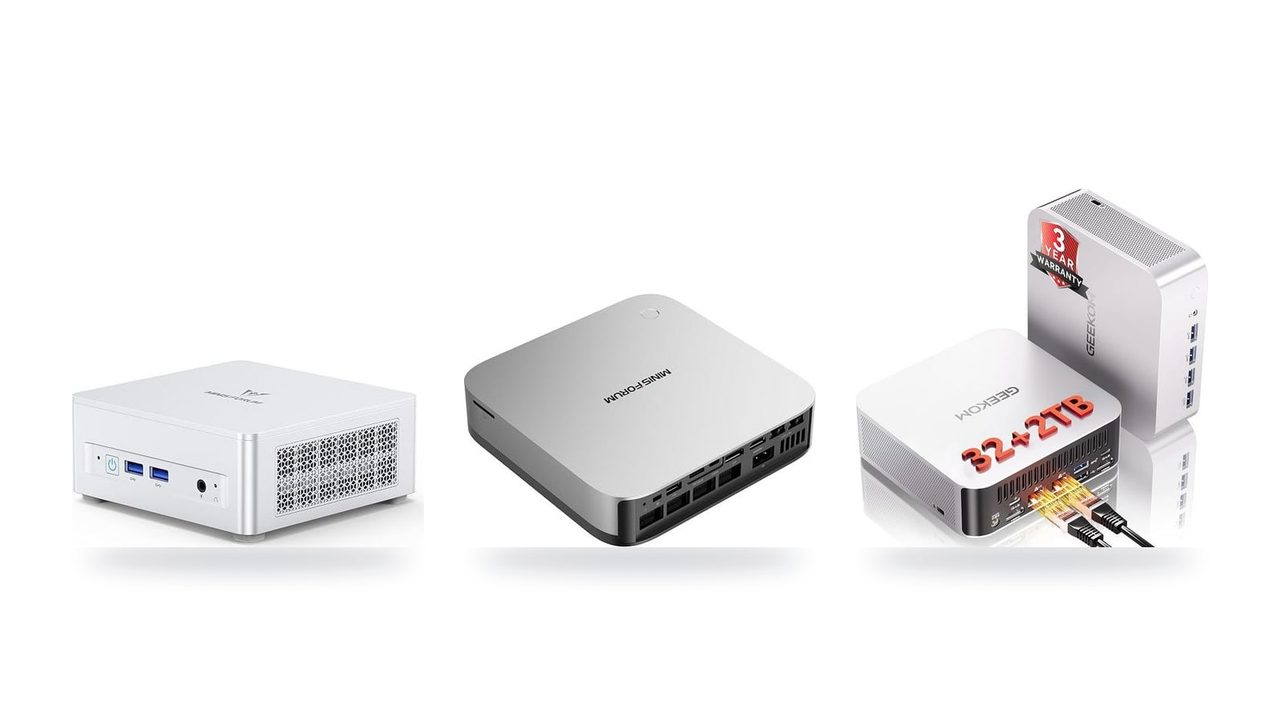
- GEEKOM A9 Max: another x86 option with SO-DIMM slots for adding RAM over time.
All seven compared side by side
| Product | Rating | Price | Buy |
|---|---|---|---|
 Apple Mac Studio (M5 Max) Up to 128GB unified memory at 614GB/s for running large LLMs quietly on your desk +128GB unified memory fits large quantized LLMs+614GB/s bandwidth speeds token generation -128GB cap limits the largest models | $2,299.99 | Buy → | |
 Apple Mac mini (M5 Pro) 307GB/s unified memory for running local LLMs from a five-inch desktop +307GB/s bandwidth: faster LLM token generation+GPU Neural Accelerators: quicker prompt processing -Fixed memory: choose LLM capacity upfront | $1,549.00 | Buy → | |
 AMD Ryzen AI Halo Editor's Choice 128GB unified memory to run up to 200B-parameter models locally on Linux +128GB shared pool: loads 200B models+Preloaded ROCm stack: less Linux setup -256 GB/s limits dense-model token speed | $4,760.00 | Buy → | |
| Apple Mac mini (M6) Best Value Up to 32GB unified memory and 170GB/s in a 5x5-inch box for quiet, always-on local LLMs +32GB unified memory fits ~30B quantized models+GPU Neural Accelerators speed prompt processing -170GB/s bandwidth limits tokens per second | $779.00 | Buy → | |
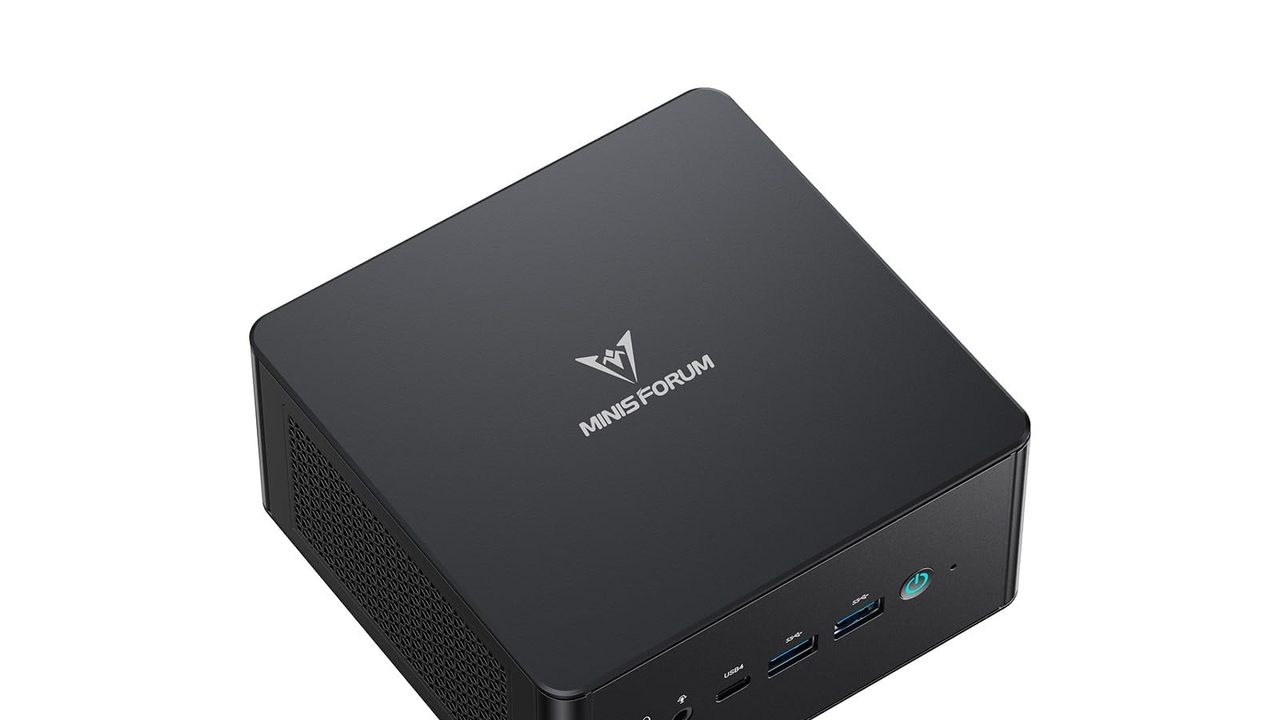
 MINISFORUM AI X1 Pro-370 128GB RAM ceiling and OCuLink for a GPU upgrade later +128GB RAM: fits 70B quantized models+OCuLink: add a desktop eGPU later -890M iGPU: slow tokens on large models | $1,247.00 | Buy → | |
 MINISFORUM UM890 Pro Up to 96 GB of RAM plus OcuLink, so it can load large models now and take an external GPU later +96 GB RAM: fits 70B quantized models+OcuLink: add a desktop GPU later -Shared DDR5 slows large-model tokens/sec | $1,015.00 | Buy → |
Prices as of Nov 12, 2026; they may have changed since.
What actually limits local AI speed
Generating each token means reading essentially the entire model out of memory. That makes memory bandwidth (GB/s), not NPU TOPS, the number that sets your speed ceiling. Once a model fits, a useful rule of thumb is:
tok/s ≈ memory bandwidth (GB/s) ÷ model size in memory (GB)
A regular dual-channel DDR5-5600 mini PC moves about 90 GB/s. A 32B model at Q4 occupies roughly 19 GB, so the ceiling is about 90 ÷ 19 ≈ 4.7 tok/s. Real-world output lands below that, at a few tok/s. That pace is too slow for comfortable coding assistance, which is why bandwidth matters more the bigger the model you plan to run.
- Memory capacity — Decides which models load at all. The weights, the context window and the OS all have to fit in RAM at the same time.
- Memory bandwidth — Decides tok/s once the model fits. Doubling GB/s roughly doubles generation speed on the same model.
- Software support — Ollama, LM Studio and llama.cpp run on Apple GPUs via Metal and MLX, and on AMD iGPUs via Vulkan or ROCm. Most of these tools ignore the NPU today.
- Power and noise — These matter for an always-on local LLM server. Apple Silicon and Strix Halo deliver more tok/s per watt than an x86 box with an eGPU on OCuLink.
How much memory each model size needs
| Model size | Weights at Q4 | Practical RAM floor |
|---|---|---|
| 8B | ≈ 5 GB | 16 GB |
| 14B | ≈ 9 GB | 32 GB |
| 32B | ≈ 19 GB | 48 GB+ (32 GB is tight once context is added) |
| 70B | ≈ 40 GB | 64 GB+ |
The weights are only part of the load. A long context window adds several GB on top, and the OS and your other apps take their share too. In practice, 32 GB is the floor for 14B, and 70B needs 64 GB or more.
Mapping the criteria to the picks
- 8B–14B on a budget: The MINISFORUM UM890 Pro, MINISFORUM AI X1 Pro-370 and GEEKOM A9 Max all have enough capacity. Their DDR5 bandwidth keeps them in the ~90 GB/s class, so 14B is the comfortable limit.
- 14B–32B with snappier output: The Mac mini (M5 Pro) and Mac Studio (M5 Max) use wider unified memory buses. The same 19 GB model therefore generates noticeably faster on them than on a dual-channel x86 box.
- 70B: You need a 64 GB+ pool and high bandwidth. The AMD Ryzen AI Halo (Strix Halo) and a Mac Studio configured with enough unified memory are the realistic candidates.
- Entry Apple: The Mac mini (M6) runs 8B models efficiently and quietly. Its base memory, however, rules out 32B-class models.
Spend the money on GB and GB/s, not on TOPS.
Mac vs AMD Strix Halo and Ryzen AI
These seven mini PCs fall into three platforms. The platform decides your software stack, whether you can add memory later, and the largest model you can run comfortably.
| Apple Silicon | Strix Halo (Ryzen AI Max) | Regular Ryzen AI / Ryzen 9 | |
|---|---|---|---|
| Models here | Mac Studio (M5 Max), Mac mini (M5 Pro), Mac mini (M6) | AMD Ryzen AI Halo | GEEKOM A9 Max, MINISFORUM AI X1 Pro-370, MINISFORUM UM890 Pro |
| Memory type | Unified memory, soldered | Unified memory, soldered | SO-DIMM DDR5, upgradeable |
| Memory bus | Wide, high bandwidth | 256-bit, large iGPU | 128-bit, narrow |
| Inference stack | MLX, Metal-backed llama.cpp, Ollama, LM Studio | llama.cpp via Vulkan (most reliable); ROCm still maturing | llama.cpp, Ollama, LM Studio on Windows or Linux |
| Comfortable model ceiling | Set by the memory you buy; 70B Q4 with enough RAM | 70B Q4 | About 8B–14B |
| Upgrade path | None. Buy capacity on day one | None. Buy capacity on day one | Add RAM; OCuLink eGPU on the UM890 Pro |
| OS | macOS only | Windows / Linux | Windows / Linux |
Apple Silicon: the most polished stack, no second chances
MLX plus Metal-backed llama.cpp is the smoothest local LLM setup here. Ollama and LM Studio run on the GPU with almost no configuration. The catch is that unified memory is soldered. A Mac mini (M5 Pro) bought with too little RAM stays that way, so size it for the largest model you expect to run, plus room for the context window. The Mac Studio (M5 Max) suits anyone heading toward 32B–70B models.
Strix Halo: the only non-Mac route to 70B
The AMD Ryzen AI Halo pairs a large iGPU with a big unified memory pool. It is the only machine outside Apple's lineup here that fits a 70B model at Q4 with headroom for context. The software is less polished than Apple's. ROCm support is still maturing, so most owners use llama.cpp's Vulkan backend because it works reliably. Pick it if you want 70B-class models on Windows or Linux and don't mind some tinkering.
The NPU TOPS ratings are similar across AMD's lineup. The difference that matters is the memory bus: Strix Halo has a 256-bit bus, while the regular Ryzen AI chips have a 128-bit bus. The wider bus roughly doubles bandwidth, and bandwidth is what sets tok/s.
Regular Ryzen AI and Ryzen 9: freedom over ceiling
The GEEKOM A9 Max, MINISFORUM AI X1 Pro-370 and MINISFORUM UM890 Pro give you socketed SO-DIMM RAM and full Windows/Linux freedom. Their narrow memory bus is the limit. Adding RAM lets bigger models load, but generation slows past 8B–14B, so 32B runs are slow even with 96 GB installed. These machines suit coding assistants, chat on small models, and general desktop use.
The UM890 Pro's OCuLink port is the escape hatch in this group. An eGPU adds dedicated VRAM and a big speed jump later on. The trade-off is a second box on your desk and a much higher power draw than a mini PC alone.
Which one to buy and who should pay more

Up to 128GB unified memory at 614GB/s for running large LLMs quietly on your desk
- 128GB unified memory fits large quantized LLMs
- 614GB/s bandwidth speeds token generation
- Thunderbolt 5 ports enable multi-Mac clustering
- 128GB cap limits the largest models
- No CUDA: relies on Metal/MLX tooling

307GB/s unified memory for running local LLMs from a five-inch desktop
- 307GB/s bandwidth: faster LLM token generation
- GPU Neural Accelerators: quicker prompt processing
- Five-inch box: compact always-on agent server
- Fixed memory: choose LLM capacity upfront
- macOS only: CUDA-based tools won't run

128GB unified memory to run up to 200B-parameter models locally on Linux
- 128GB shared pool: loads 200B models
- Preloaded ROCm stack: less Linux setup
- 10GbE LAN: faster model file transfers
- 256 GB/s limits dense-model token speed
- Integrated 8060S trails discrete GPU throughput
Up to 32GB unified memory and 170GB/s in a 5x5-inch box for quiet, always-on local LLMs
- 32GB unified memory fits ~30B quantized models
- GPU Neural Accelerators speed prompt processing
- 5x5-inch footprint for always-on agent hosting
- 170GB/s bandwidth limits tokens per second
- 32GB cap rules out 70B models

128GB RAM ceiling and OCuLink for a GPU upgrade later
- 128GB RAM: fits 70B quantized models
- OCuLink: add a desktop eGPU later
- 65W max draw keeps running costs low
- 890M iGPU: slow tokens on large models
- SO-DIMM DDR5 trails unified-memory bandwidth

Up to 96 GB of RAM plus OcuLink, so it can load large models now and take an external GPU later
- 96 GB RAM: fits 70B quantized models
- OcuLink: add a desktop GPU later
- Two PCIe 4.0 slots store models
- Shared DDR5 slows large-model tokens/sec
- OcuLink adapter uses up an M.2 slot

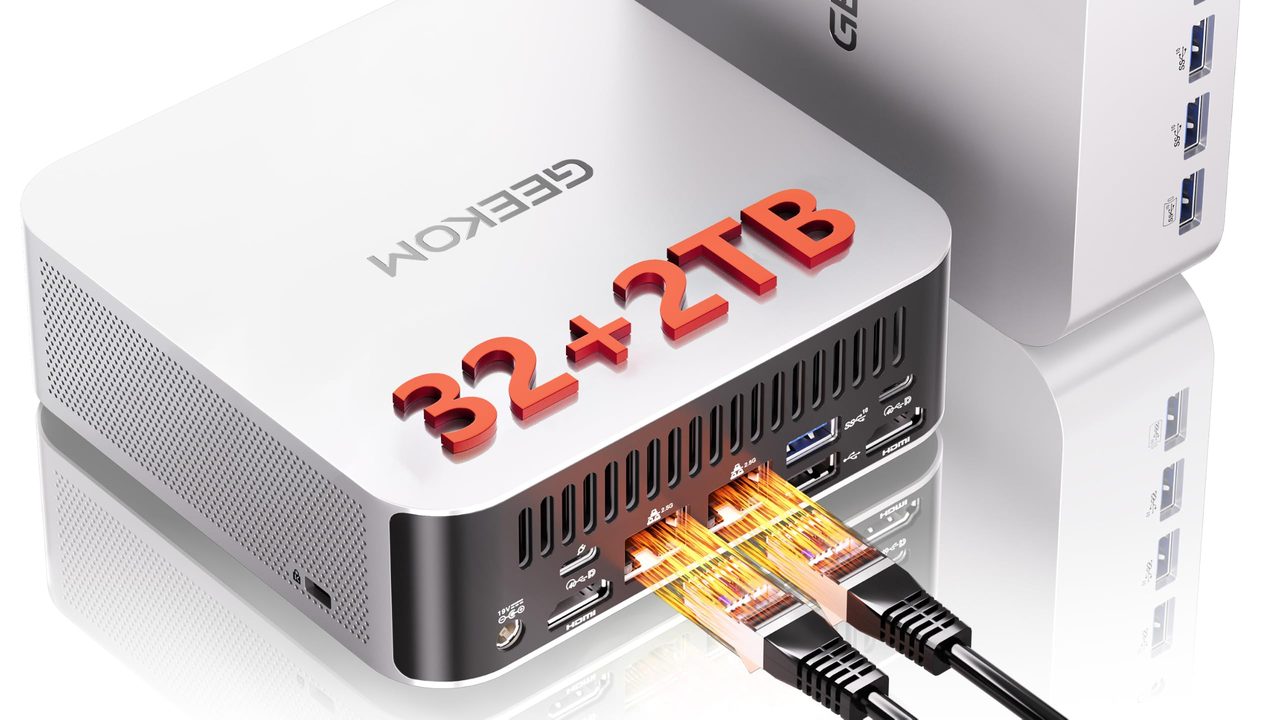
Ryzen AI 9 470 mini PC with room for 128 GB RAM to run larger local LLMs
- 128 GB RAM ceiling fits bigger models
- 2TB SSD stores many model files
- Dual 2.5GbE for serving models locally
- Stock 32GB limits model size
- Shared DDR5 slows tokens vs. dedicated GPUs
Prices as of Nov 12, 2026; they may have changed since.
Frequently asked questions
How much RAM do I need to run a 70B model?
At Q4 quantization, the weights of a 70B model take about 40 GB before you load any context. Add the operating system, your apps and the KV cache that grows with every token in the context window, and 64 GB is the practical minimum. 96–128 GB leaves room for long context windows, or for keeping a smaller coding model loaded alongside. Any 32 GB machine is out for 70B, no matter how fast its memory is.
Can I upgrade the memory later?
Not on any Mac and not on Strix Halo. The Apple Mac Studio (M5 Max), both Mac mini models and the AMD Ryzen AI Halo use soldered memory, so the capacity you order is permanent. On those machines, buy for the largest model you expect to run in two or three years, not the one you run today. The MINISFORUM UM890 Pro, MINISFORUM AI X1 Pro-370 and GEEKOM A9 Max use SO-DIMM slots, so you can start smaller and add RAM later. The trade-off is their 128-bit memory bus, which keeps tok/s low on models above 14B.
Can I add a graphics card to a mini PC later?
Only if it has the right port. The MINISFORUM UM890 Pro has OCuLink, so you can attach an eGPU and run models from the card's VRAM. That route is the cheapest way to get high tok/s on models that fit in the card's memory, such as an 8B or 14B at Q4. Models larger than the VRAM spill back into system RAM and slow down sharply. The Macs and the AMD Ryzen AI Halo don't take an external GPU, so their built-in GPU and unified memory are what you're buying.
Is an NPU useful for local LLMs today?
Not much. The NPU runs specific Windows features and some ONNX-based apps. Ollama, LM Studio and llama.cpp run on the GPU or CPU, so a rating like the 50 NPU TOPS of the MINISFORUM AI X1 Pro-370's Ryzen AI 9 HX 370 adds little to everyday chat or coding speed. When comparing machines for local LLMs, rank them on memory capacity and memory bandwidth (GB/s) and treat TOPS as a tiebreaker at most.
Latest reviews
Guides & articles