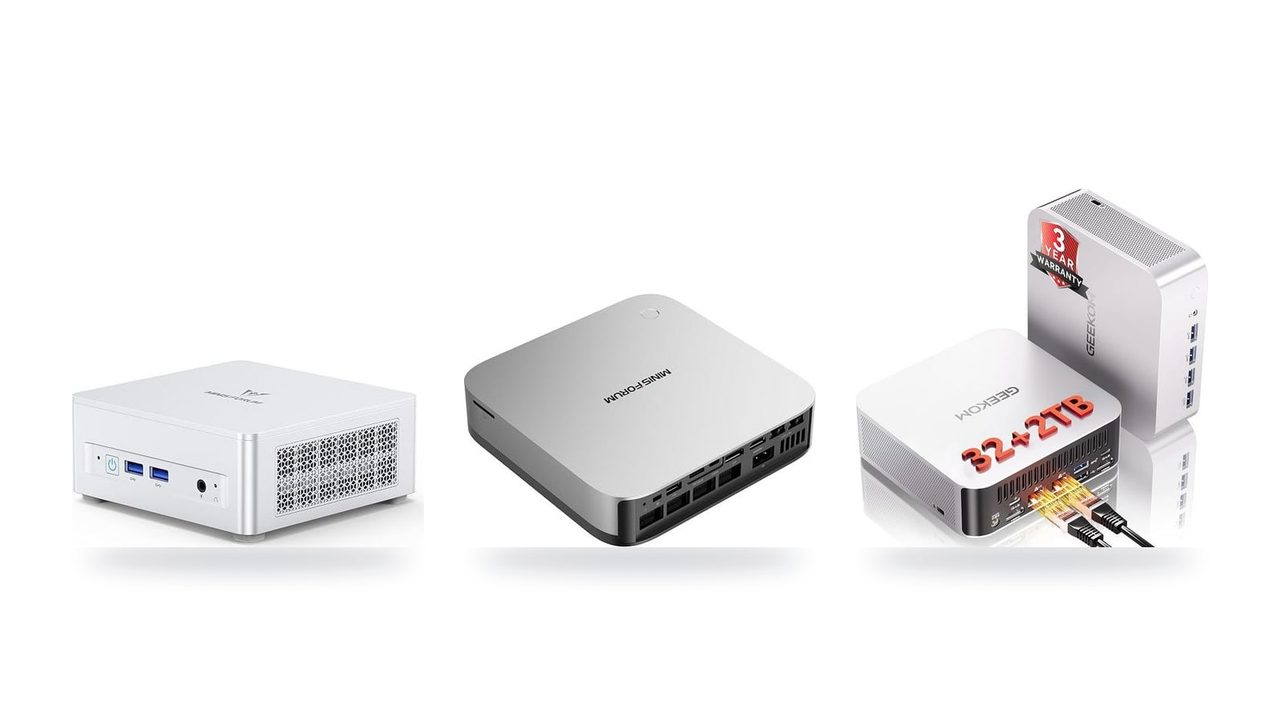
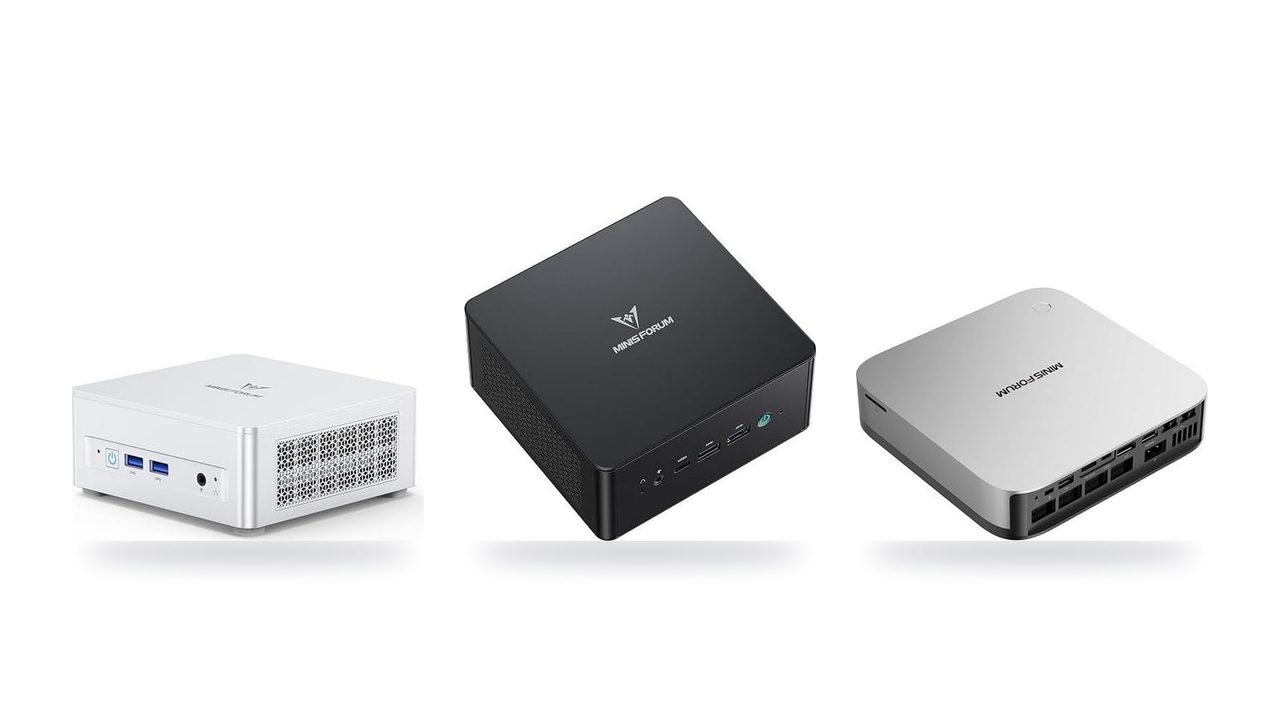
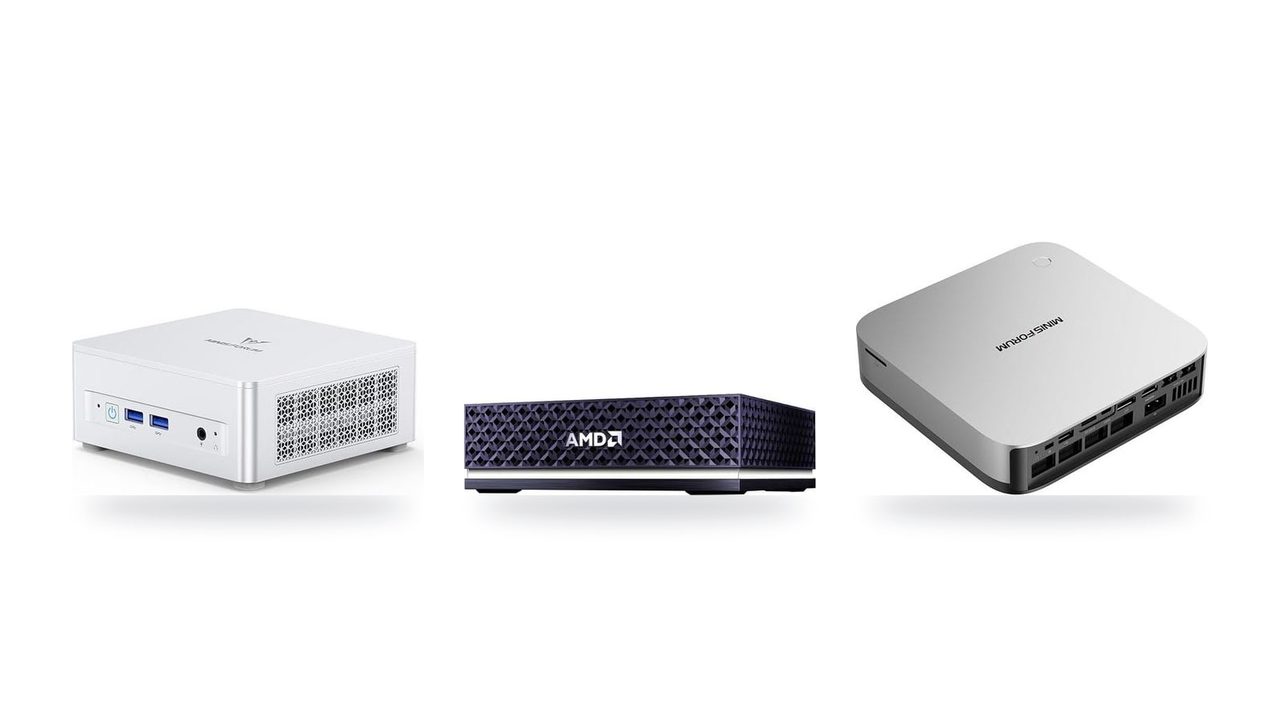
Best high-end compact computers for 70B+ local LLMs in 2026
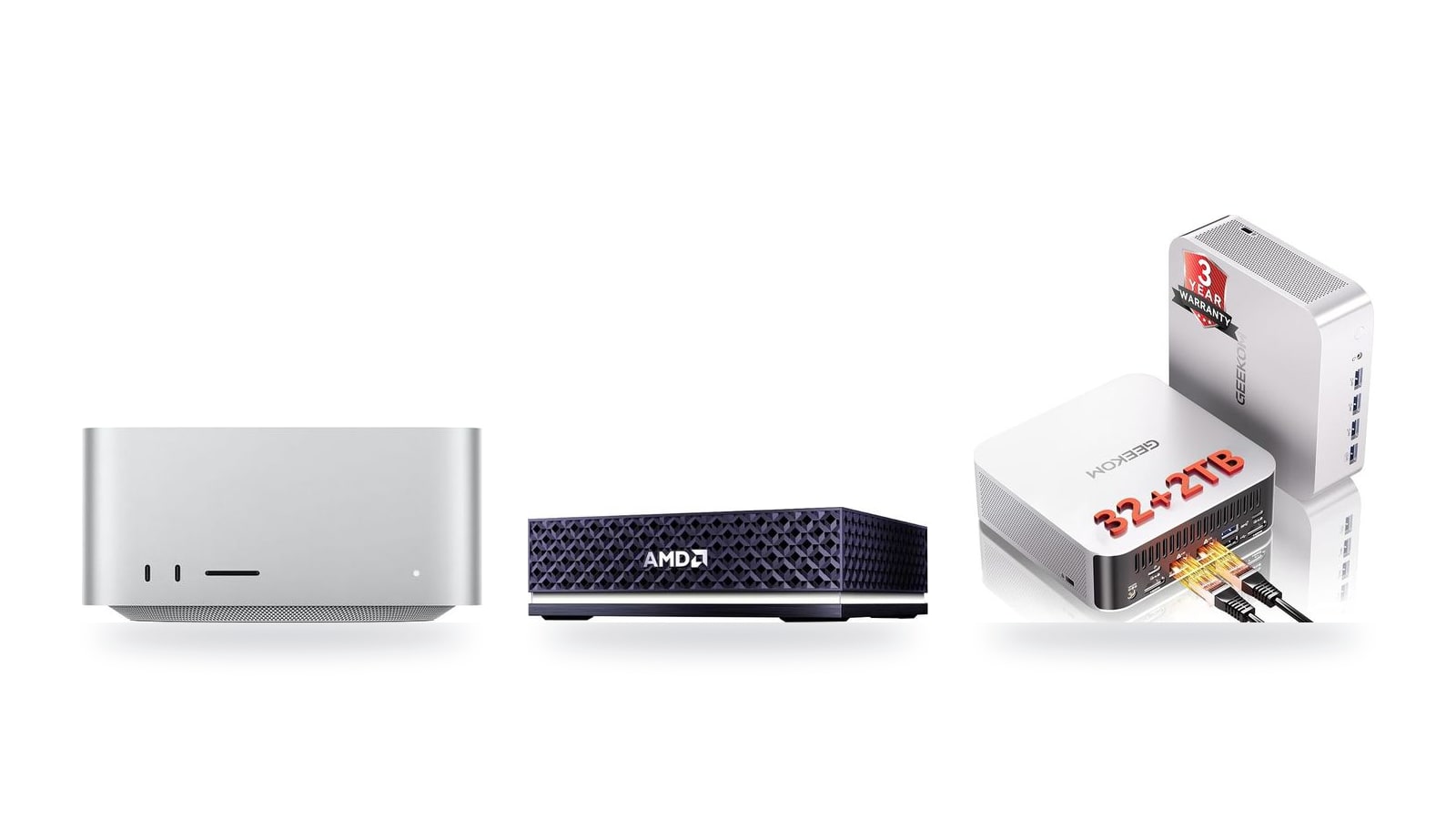
A 70B model quantized to Q4 occupies roughly 40 GB before you add a long context window, so the base configuration of a compact machine rarely runs it well. Here's how the Mac Studio (M5 Max), AMD Ryzen AI Halo and GEEKOM A9 Max compare once you price them for 70B+ models.
Quick picks
All three are compact machines where the CPU and integrated GPU share one memory pool, so a 70B model never has to squeeze into a small slice of dedicated VRAM. What separates them is how much of that pool you configure and how fast it is.
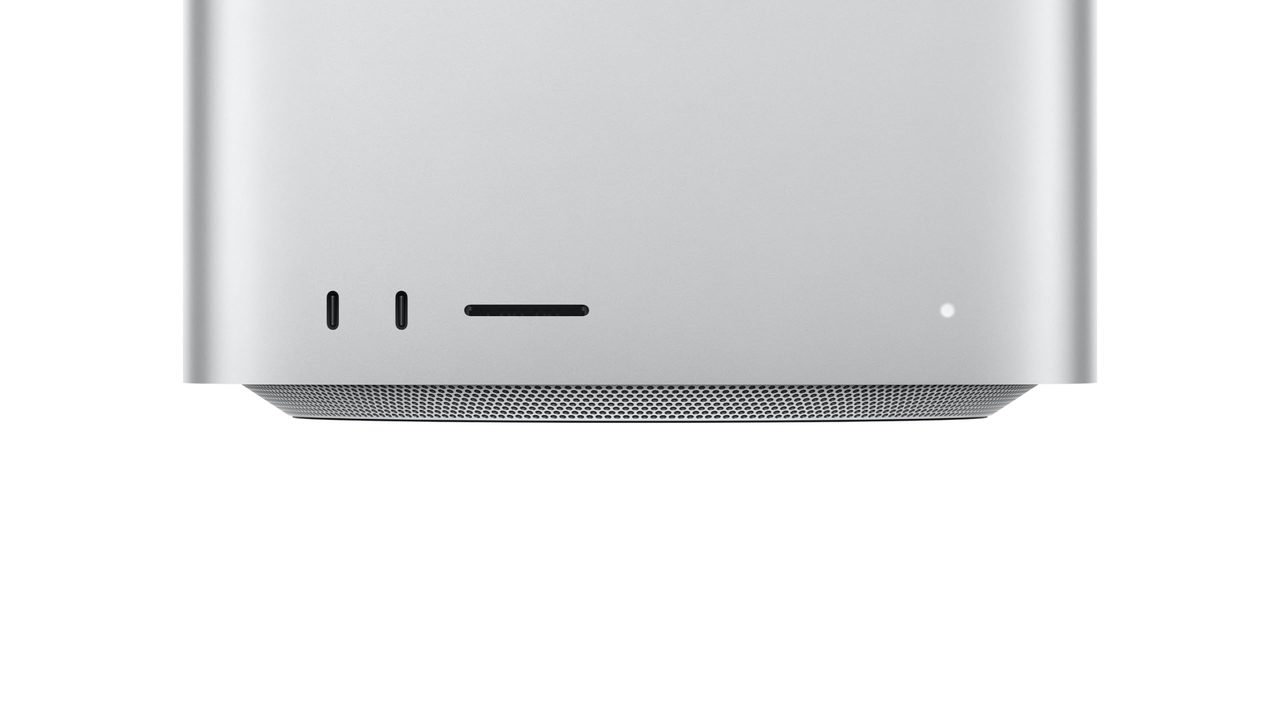
Pick this if you want the fastest generation on large quantized models and the most polished software path through MLX and LM Studio. The $2,299.99 price buys the base configuration, so plan on a higher unified memory tier before a 70B model will load.
This is the pick for developers who live in Linux, Docker and x86 tooling. The Strix Halo / Ryzen AI Max platform supports up to 128 GB of unified memory, and most of it can be assigned to the iGPU. It runs llama.cpp and ROCm, which leaves room for 70B at higher quantization levels and for some 100B+ models.
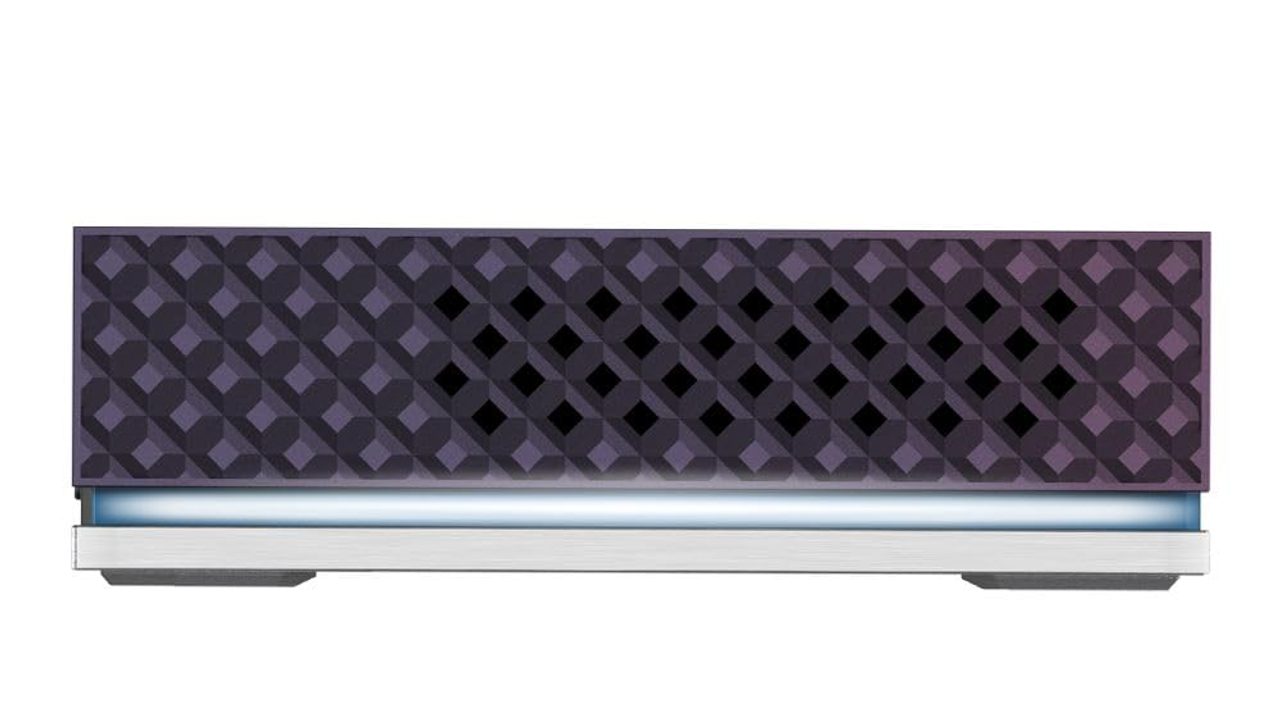
At $1,599.00, it is the cheapest way into this class and handles 14B–32B models comfortably as an always-on assistant box. Its dual-channel DDR5 caps bandwidth, so a 70B model can load but generates at a pace better suited to batch jobs than chat.
The listed prices are not like-for-like. The Mac Studio's figure is a base model, while the Ryzen AI Halo's reflects a much larger memory configuration. Price out the memory tier your target model needs before you decide which machine is the better value.
| If you mostly run… | Start with | Why |
|---|---|---|
| 70B chat at interactive speed | Apple Mac Studio (M5 Max) | Bandwidth sets tok/s, and Apple leads this trio on bandwidth |
| 70B–100B+ on Linux or Docker | AMD Ryzen AI Halo | The 128 GB tier fits 70B at Q8 or 100B+ at Q4 |
| 14B–32B models on a budget | GEEKOM A9 Max | Lowest entry price of the three |
All three compared at a glance
| Product | Rating | Price | Buy |
|---|---|---|---|
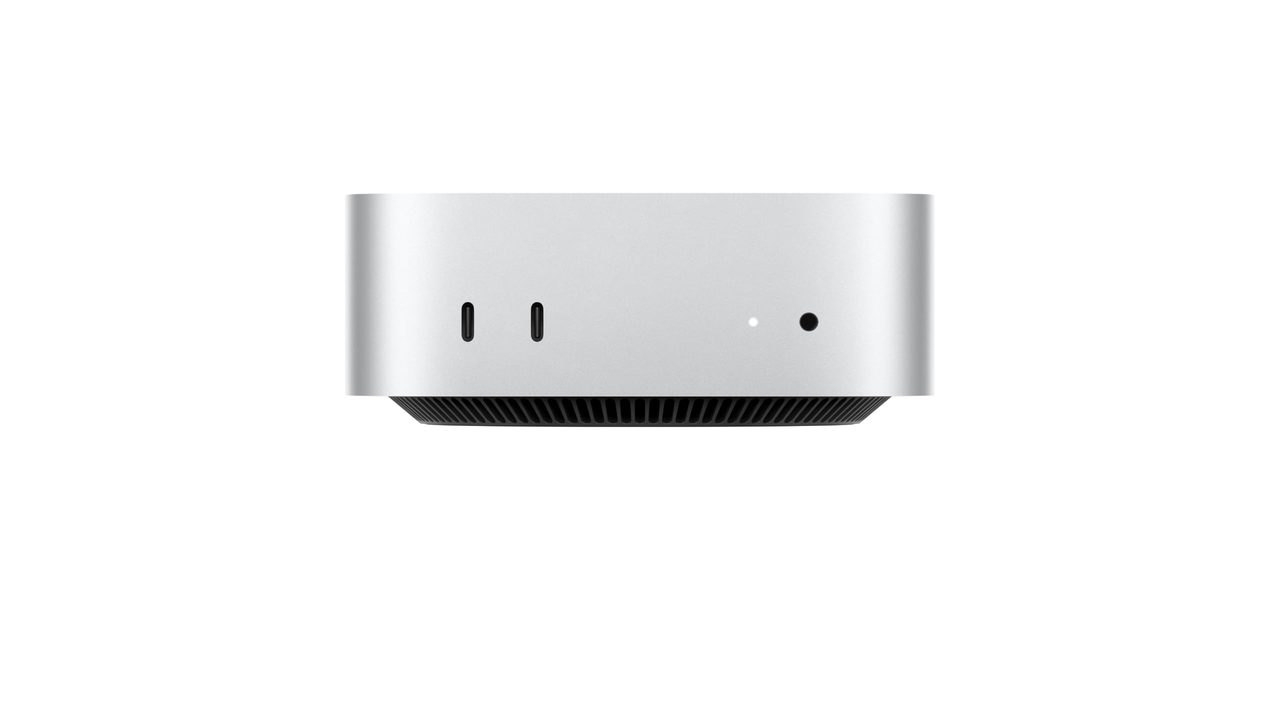
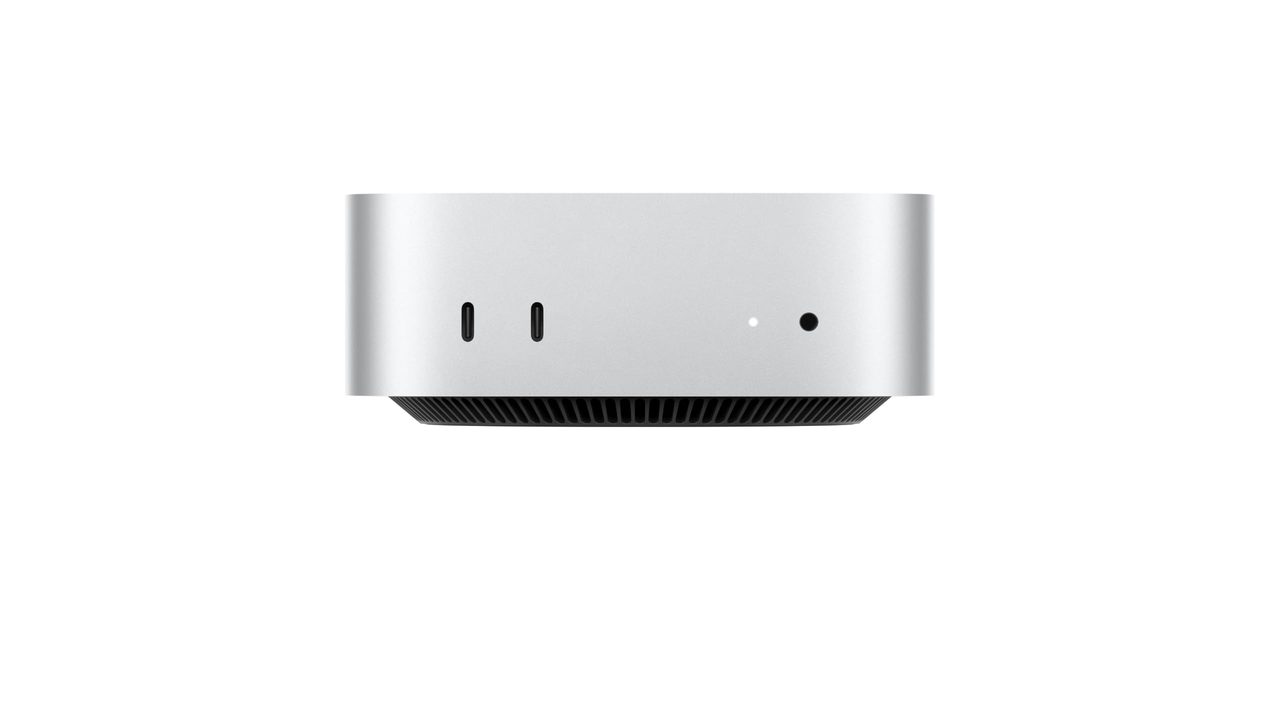
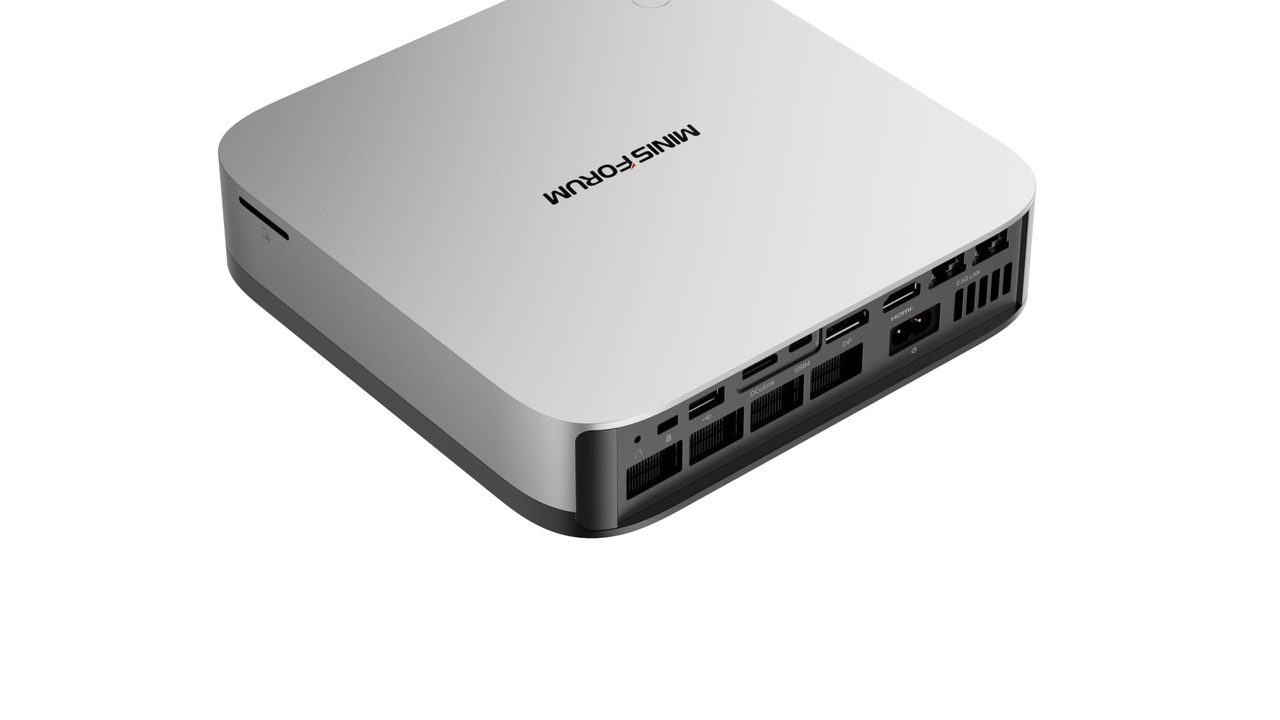
 Apple Mac Studio (M5 Max) Up to 128GB unified memory at 614GB/s for running large LLMs quietly on your desk +128GB unified memory fits large quantized LLMs+614GB/s bandwidth speeds token generation -128GB cap limits the largest models | $2,299.99 | Buy → | |
 AMD Ryzen AI Halo Editor's Choice 128GB unified memory to run up to 200B-parameter models locally on Linux +128GB shared pool: loads 200B models+Preloaded ROCm stack: less Linux setup -256 GB/s limits dense-model token speed | $4,760.00 | Buy → | |
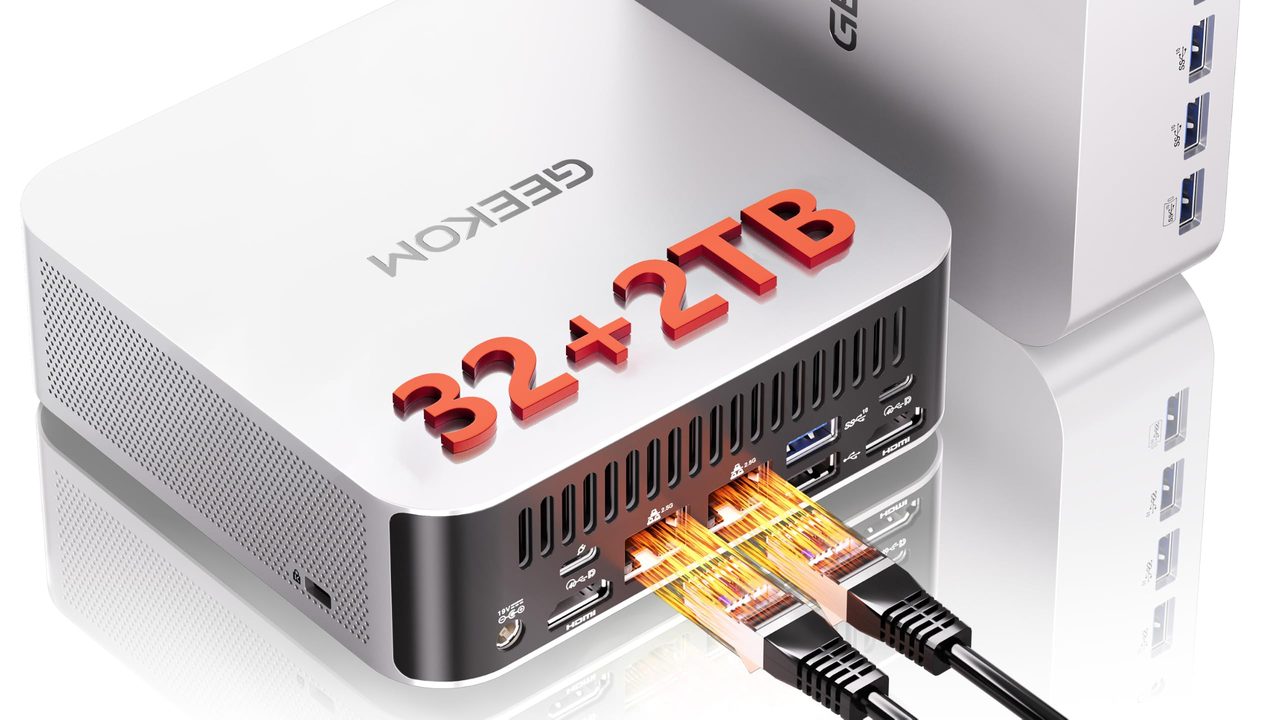
 GEEKOM A9 Max Ryzen AI 9 470 mini PC with room for 128 GB RAM to run larger local LLMs +128 GB RAM ceiling fits bigger models+2TB SSD stores many model files -Stock 32GB limits model size | $1,599.00 | Buy → |
Prices as of Nov 12, 2026; they may have changed since.
How much memory a 70B+ model really needs
Two numbers decide your experience. Memory capacity decides whether a model loads at all. Memory bandwidth (GB/s) decides how many tokens per second (tok/s) you get once it does. If you buy too little capacity, nothing else matters. If you buy too little bandwidth, the model runs too slowly for interactive chat.
Rough weight sizes
Quantization sets the footprint. A 70B model needs about 40 GB at Q4 and about 75 GB at Q8. A 100B+ model at Q4 needs 60 GB or more. Weights are only part of the total. The context window and the KV cache add several GB more, and that overhead grows as the context gets longer.
| Memory tier | What fits comfortably | Practical ceiling |
|---|---|---|
| 64 GB | 70B at Q4 (~40 GB) | Modest context window; Q8 70B won't fit |
| 128 GB | 70B at Q8 (~75 GB), or 100B+ at Q4 | Long context windows with room to spare |
| Above 128 GB | Very large mixture-of-experts models | Many experts resident at once; best for frontier-scale open weights |
At 64 GB, a 70B Q4 model leaves only about 20 GB for the KV cache, the OS and your apps. That is why the context window has to stay moderate. 128 GB is the tier where 70B stops feeling cramped, and it also opens up the 100B+ class.
Why bandwidth sets the speed
Each generated token requires the machine to read roughly the whole model from memory. Generation speed therefore scales with bandwidth divided by model size in memory.
- Strix Halo (~256 GB/s): 256 ÷ 40 GB gives a theoretical ceiling of about 6 tok/s on a dense 70B Q4 model. Real-world speed is lower, so expect single-digit tok/s. That pace works for reading along, but it is sluggish for long outputs.
- Dual-channel DDR5 mini PCs: Typical DDR5-5600 dual-channel memory peaks around 90 GB/s. That works out to roughly 2 tok/s on the same model, before overhead. This is why the GEEKOM A9 Max suits 14B–32B models better than 70B.
- Mixture-of-experts models read only the active experts for each token. They can run much faster than their total parameter count suggests, but they still need the capacity to hold every expert.
On a Mac, macOS reserves part of the unified memory pool for itself, so the GPU can't use all of it. A 64 GB Mac Studio will not give a model a full 64 GB. Leave headroom and size up one tier if you plan to run 70B at Q8 or with a long context window. The same advice applies to Strix Halo machines, where you set the iGPU allocation separately from system RAM.
Bottom line: pick your capacity tier from the table first, then compare bandwidth among the machines that meet it.
Mac Studio vs Ryzen AI Halo vs GEEKOM A9 Max

Up to 128GB unified memory at 614GB/s for running large LLMs quietly on your desk
- 128GB unified memory fits large quantized LLMs
- 614GB/s bandwidth speeds token generation
- Thunderbolt 5 ports enable multi-Mac clustering
- 128GB cap limits the largest models
- No CUDA: relies on Metal/MLX tooling

128GB unified memory to run up to 200B-parameter models locally on Linux
- 128GB shared pool: loads 200B models
- Preloaded ROCm stack: less Linux setup
- 10GbE LAN: faster model file transfers
- 256 GB/s limits dense-model token speed
- Integrated 8060S trails discrete GPU throughput

Ryzen AI 9 470 mini PC with room for 128 GB RAM to run larger local LLMs
- 128 GB RAM ceiling fits bigger models
- 2TB SSD stores many model files
- Dual 2.5GbE for serving models locally
- Stock 32GB limits model size
- Shared DDR5 slows tokens vs. dedicated GPUs
Prices as of Nov 12, 2026; they may have changed since.
Who should buy which
Once your memory tier is set, the deciding factors are which software stack you want to live in and whether you'll run 70B models daily or only sometimes.
| If you are… | Pick | Why |
|---|---|---|
| A Linux/Docker developer | AMD Ryzen AI Halo | x86 toolchain, containers and a ROCm stack that ports CUDA-style workflows with less friction |
| A macOS developer | Apple Mac Studio (M5 Max) | MLX is native, polished and the fastest path from prototype to a running model on Apple Silicon |
| Privacy-first, wants an always-on assistant | Apple Mac Studio (M5 Max) | Desk-friendly form factor and a simple setup path through LM Studio or Ollama |
| Mostly running 14B–32B models | GEEKOM A9 Max | Covers that range comfortably for $1,599.00, but isn't a 70B daily driver |
| Running 14B or smaller only | None of these | A desktop GPU with 16–24 GB of VRAM is faster per dollar |
Developers should decide by operating system. If your production targets are Linux servers, you depend on Docker, x86 binaries and CUDA-adjacent tooling, and you want to script llama.cpp builds yourself, the Ryzen AI Halo's Strix Halo platform keeps local work close to what you deploy. If you already work in macOS, the Mac Studio avoids a second ecosystem, and MLX gives you fast inference and quick experiments without driver work.
Privacy-focused users who want a local assistant answering on a 70B model all day are best served by the Mac Studio. It is built to sit on a desk, its bandwidth lead keeps 70B chat responsive, and LM Studio or Ollama provide a graphical, low-configuration path to a working chat. Prompts and documents never leave the machine.
Fine-tuning hobbyists should keep expectations realistic. LoRA on a 70B model is memory-bound and slow on all three machines, because shared system memory has far less bandwidth than datacenter GPUs. Fine-tune a 7B–14B model locally, or rent cloud GPUs for the training run and bring the adapter home for inference. Renting is often cheaper than buying extra memory for training alone.
Skip all three if your models stay at 14B or below and speed per dollar is the priority. A 14B model at Q4 needs roughly 8–9 GB, which fits entirely in a 16–24 GB desktop GPU. Dedicated VRAM delivers much higher memory bandwidth, so you get more tok/s per dollar than any of these unified-memory machines.
Good for
- Developers choosing between a Linux/x86 stack (Ryzen AI Halo) and a macOS/MLX stack (Mac Studio)
- Privacy-minded users who want a quiet, always-on 70B local LLM at home
- Buyers who want 70B+ models resident in memory without a multi-GPU tower
Not for
- Anyone planning regular LoRA fine-tuning of 70B models, where cloud GPUs are cheaper and faster
- Users who only run 14B-or-smaller models, where a 16–24 GB desktop GPU wins on speed per dollar
- Buyers expecting the GEEKOM A9 Max's NPU TOPS rating to speed up 70B inference
Frequently asked questions
Can you cluster two machines to run a bigger model?
Yes. llama.cpp's RPC backend and MLX distributed can both split one model across two units, so two 64 GB boxes can hold weights that neither fits alone. The cost is speed: every token has to cross the network link between machines, which adds latency and lowers tok/s compared with one machine holding the same model in its own unified memory. Clustering suits a 100B+ model you could not otherwise load. For 70B, buying one unit with enough memory is faster and simpler than pairing two smaller ones.
Does an eGPU over OCuLink or USB4 help?
It helps only when the model fits on the card. An eGPU adds fast VRAM, so 7B–32B models that sit entirely in that VRAM run quickly. Once a 70B model spills past the card into system memory, every pass has to cross the OCuLink or USB4 link, and the link becomes the bottleneck, often making it slower than running on the iGPU alone. eGPU support varies by machine, so check each machine's ports before you buy, especially if you plan to extend a budget pick like the GEEKOM A9 Max.
Is 64 GB enough for a 70B model?
At Q4 with a short-to-moderate context window, yes. The weights take about 40 GB, which leaves room for the OS and a modest KV cache. Two cases push past 64 GB:
- Q8 quantization needs about 75 GB for weights alone.
- Long context windows grow the KV cache until it crowds out the model.
128 GB is the safer choice if you want Q8 quality, long documents, or room to try 100B+ models later. That headroom is what you pay for when you configure the Mac Studio (M5 Max) or the AMD Ryzen AI Halo above their base memory.
Does the NPU matter for local LLMs?
Rarely, for now. Ollama, LM Studio and llama.cpp run inference on the iGPU or GPU, and MLX targets Apple's GPU. A high NPU TOPS rating does not speed up a 70B chat session in these tools today, which is why the GEEKOM A9 Max's NPU shouldn't sway a 70B purchase. Compare memory capacity and bandwidth (GB/s) instead, using the tiers and math above.
Latest reviews
Guides & articles