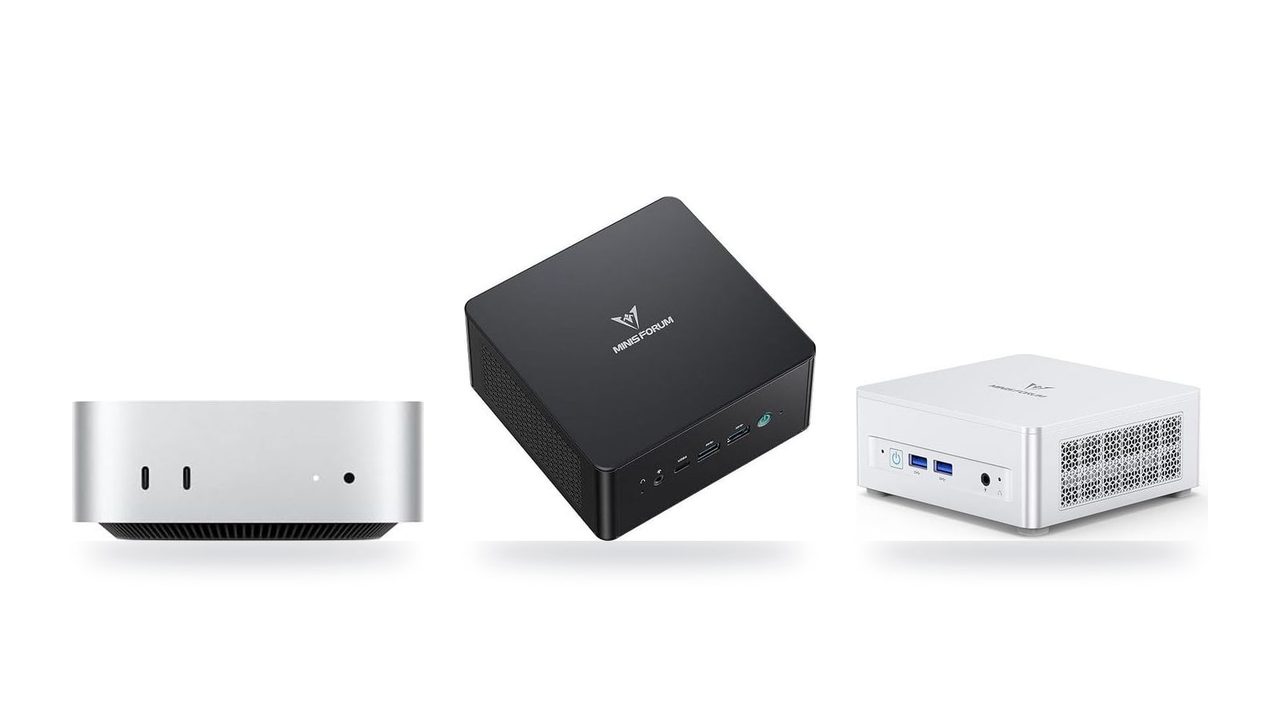
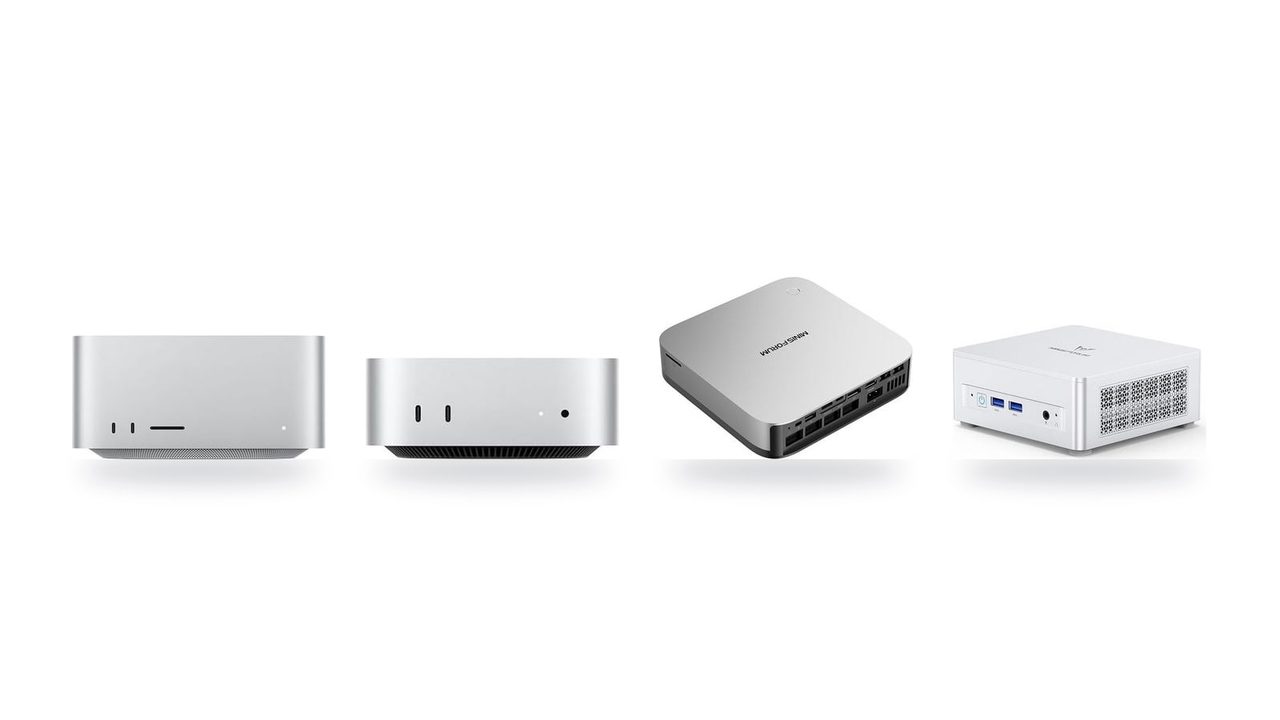
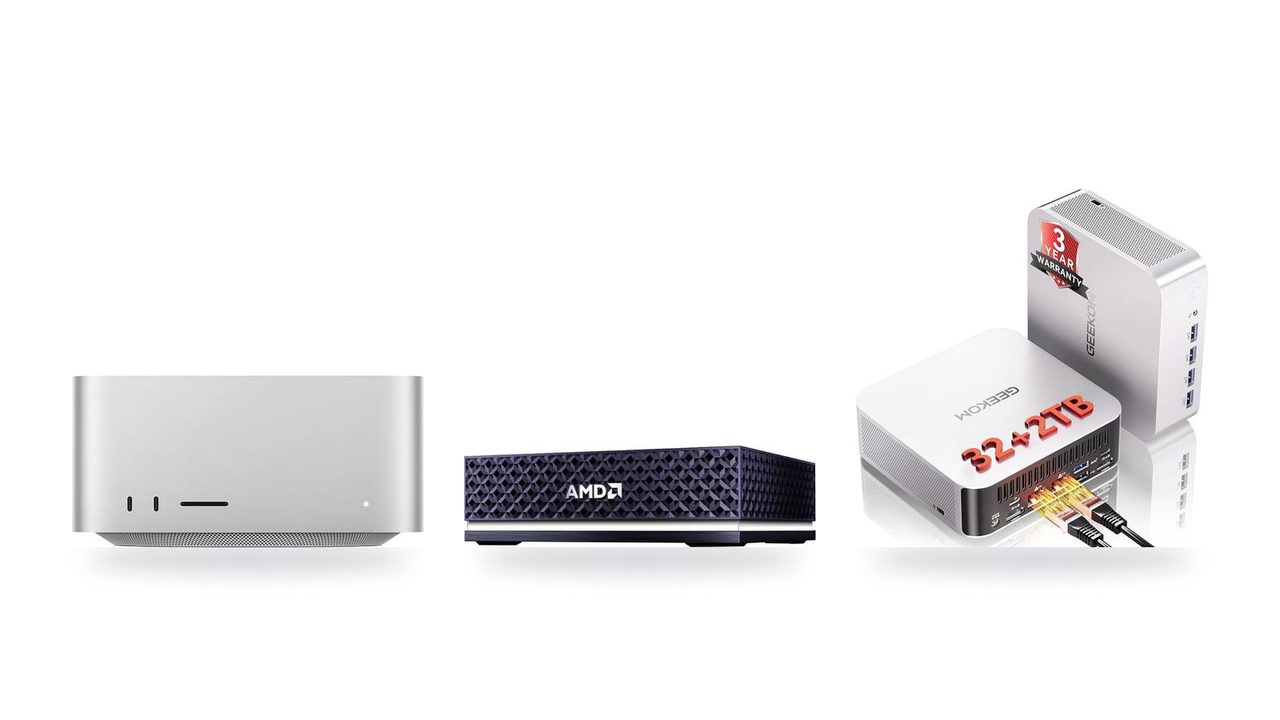


Memory decides what you can run, bandwidth decides how fast
Most buyers shop by chip name: Ryzen AI Max vs. M4 Max vs. RTX 4090, or 16 cores vs. 12. For a local LLM, two other numbers matter more. Memory capacity decides which models load at all. Memory bandwidth (GB/s) decides how many tokens per second you get once they do.
Why bandwidth sets the speed
Token generation is memory-bound. To produce each token, the hardware reads nearly the entire set of model weights from memory. Compute units spend much of that time waiting on the memory bus. A simple estimate works well: bandwidth ÷ model size ≈ theoretical tok/s ceiling. Real-world figures land below that ceiling, but they scale with it.
For a 32B model at Q4 (about 20 GB), the ceilings are roughly:
- Strix Halo: about 13 tok/s
- M4 Max: about 27 tok/s
- RTX 4090: about 50 tok/s
The ratio between those numbers explains most of the speed gap between the three platforms. A faster CPU or a newer GPU architecture changes the result much less.
Why capacity sets the model list
Quantization shrinks the weights, but it doesn't make them disappear. The model must fit in memory, with room left for the context window.
| Model size | Approx. weights at Q4 | Realistic memory target |
|---|---|---|
| 8B | ~5 GB | 16 GB system, or any 8 GB+ GPU |
| 32B | ~20 GB | 32 GB unified, or a 24 GB card with short context |
| 70B | ~40 GB | 64 GB+ unified; no single consumer card fits it |
The KV cache grows with the context window. A 32K-token context on a 32B model can add several gigabytes. Budget headroom above the weights, or long-document work will spill out of memory.
The unified memory advantage
On Apple Silicon and Ryzen AI Max, the CPU and GPU share one pool of unified memory. The GPU can address most of the system RAM. A 128 GB mini PC or Mac can therefore load a 70B model at Q4 with generous context headroom.
A 24 GB VRAM card can't hold that model at all. It has to offload layers to system RAM, which is far slower, and speed drops sharply.
That is the core trade-off for this page:
- Unified memory buys capacity: it runs bigger models, at moderate speed.
- VRAM buys bandwidth: it runs models that fit, and runs them quickly.
Mini PC or GPU tower: the trade-off in one view
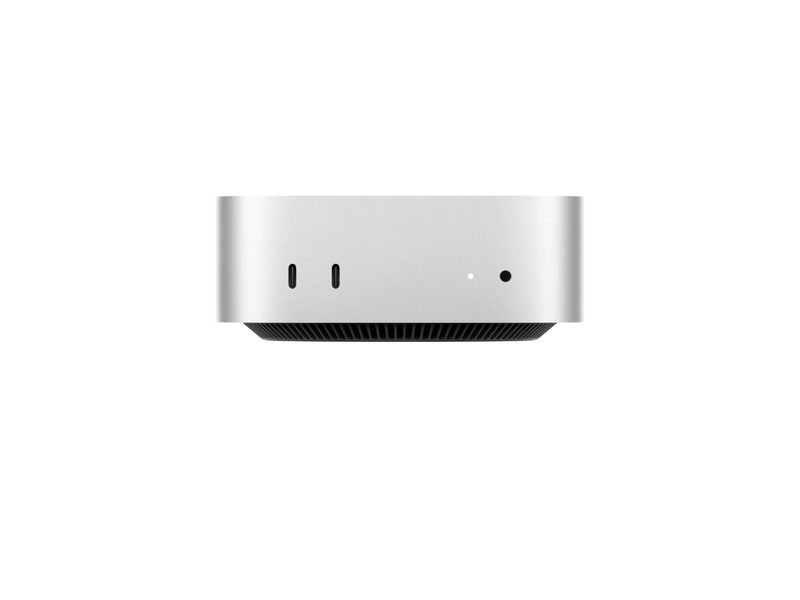
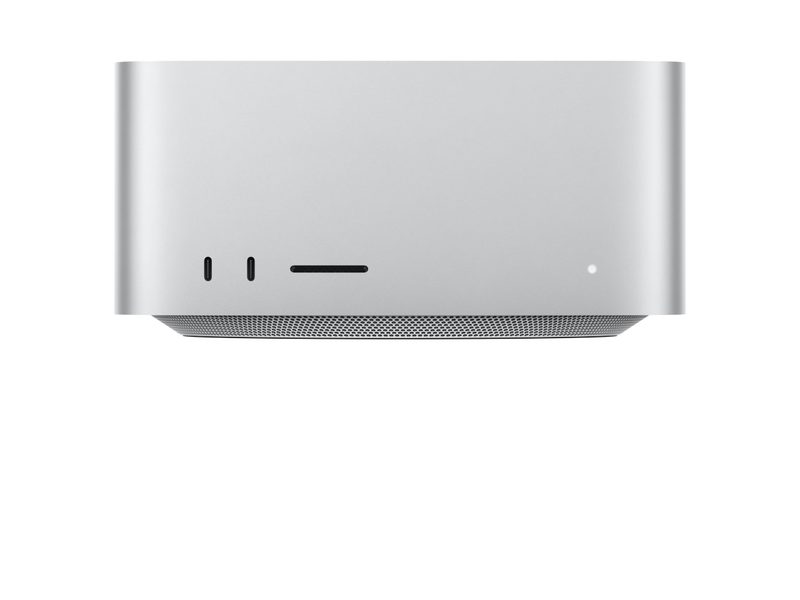
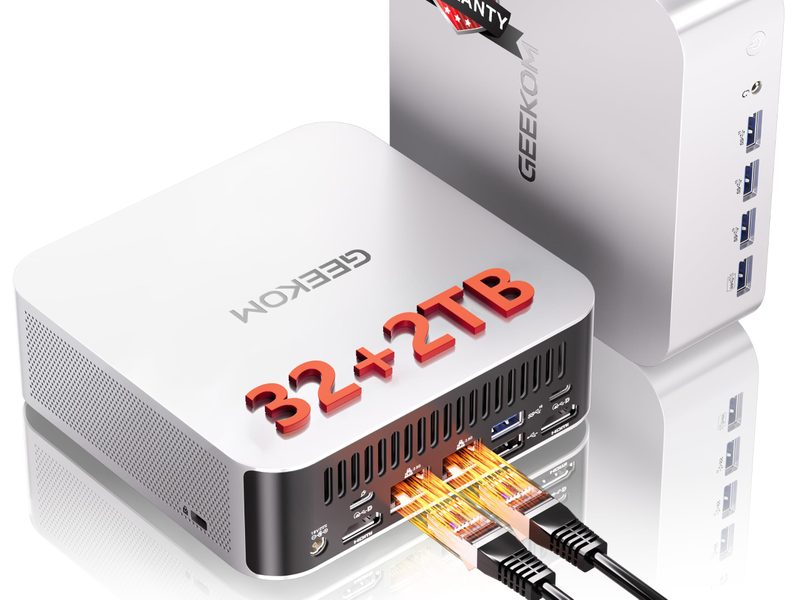
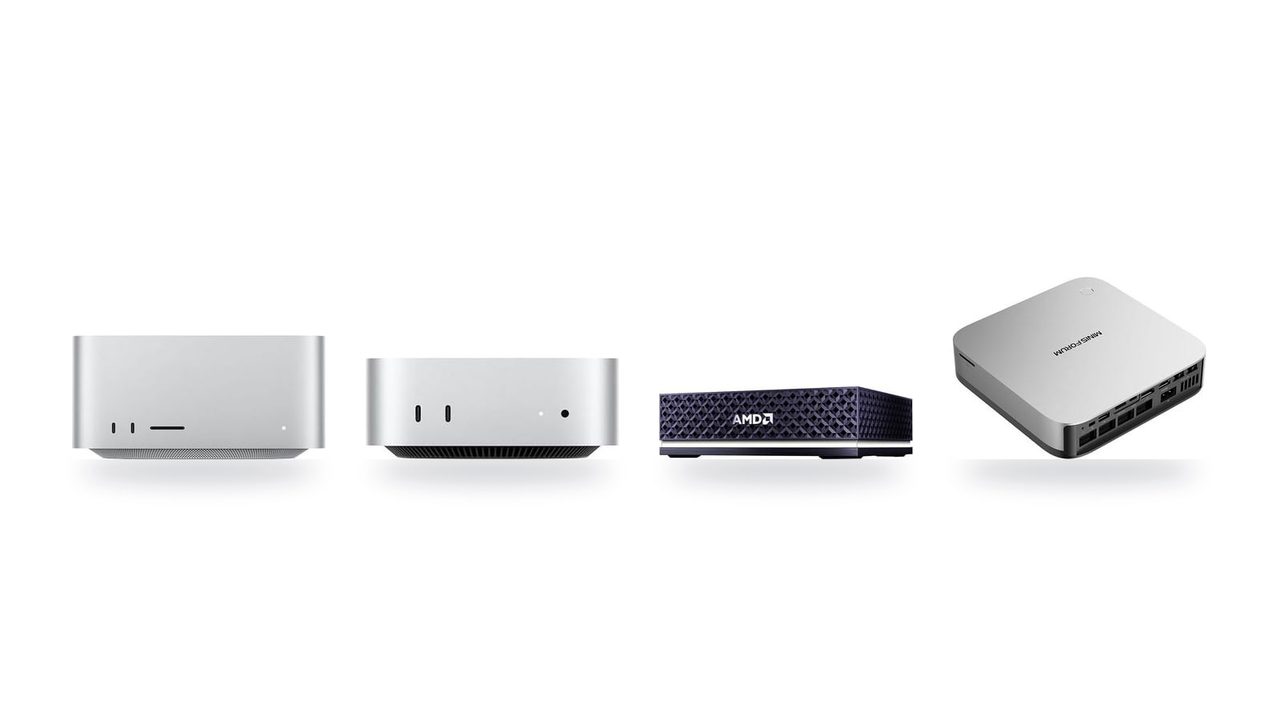
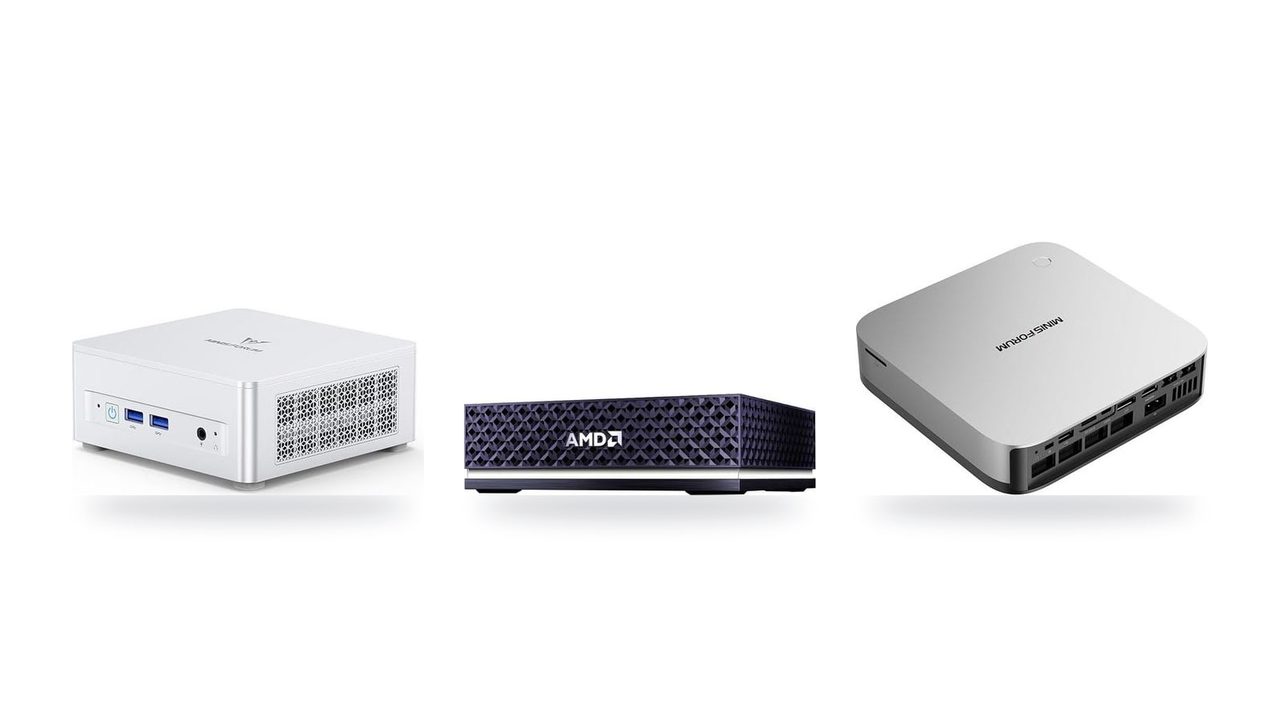
Choose the category before you compare products. A unified-memory mini PC (Strix Halo / Ryzen AI Max, or an Apple Silicon Mac) and a discrete-GPU tower fail in opposite ways. The first runs out of speed. The second runs out of room.
| Factor | Unified-memory mini PC / Mac | GPU tower | Mini PC + OCuLink eGPU |
|---|---|---|---|
| Memory for the model | Up to 128 GB unified memory, most of it usable by the iGPU | Capped by VRAM: 24 GB on an RTX 4090, 32 GB on an RTX 5090 | Card's VRAM first, then system RAM |
| Memory bandwidth | About 256 GB/s on Strix Halo, up to 546 GB/s on M4 Max | About 1,000–1,800 GB/s on high-end cards | Full GPU bandwidth only while the model fits in VRAM |
| Prompt processing | Slow on long prompts and large context windows | Much faster, because the GPU has far more compute | Fast for layers on the card |
| Token generation | Usable on 32B–70B at Q4, but clearly slower | Fast, as long as the whole model sits in VRAM | Drops sharply once layers spill to system RAM |
| Largest model per dollar | Strongest | Weakest. More capacity means more cards | Middle |
| Power and noise | Low draw, small and quiet | High draw, large PSU, fan noise under load | Mini PC plus the card's full power budget |
| Upgrade path | Usually none. Memory is soldered | Add or swap GPUs | Swap the eGPU card |
| Software | llama.cpp, Ollama, LM Studio. MLX on Macs only | llama.cpp and CUDA-first tools | llama.cpp, Ollama, LM Studio |
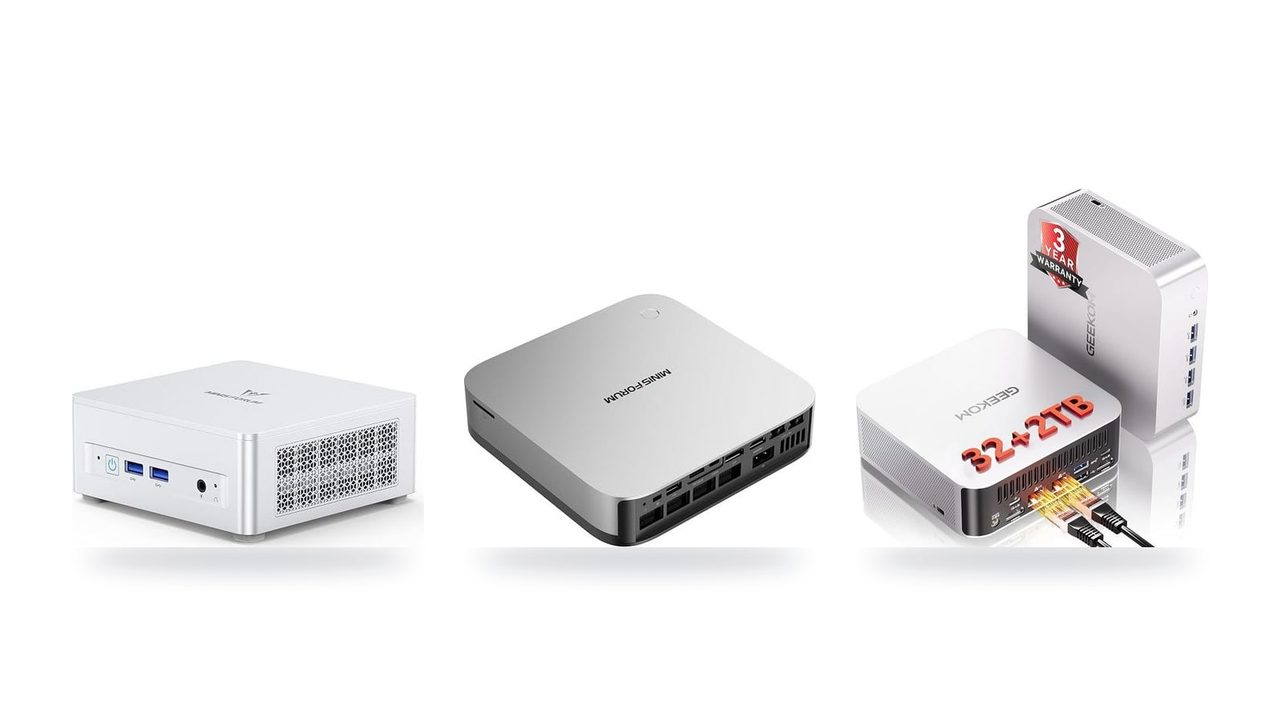
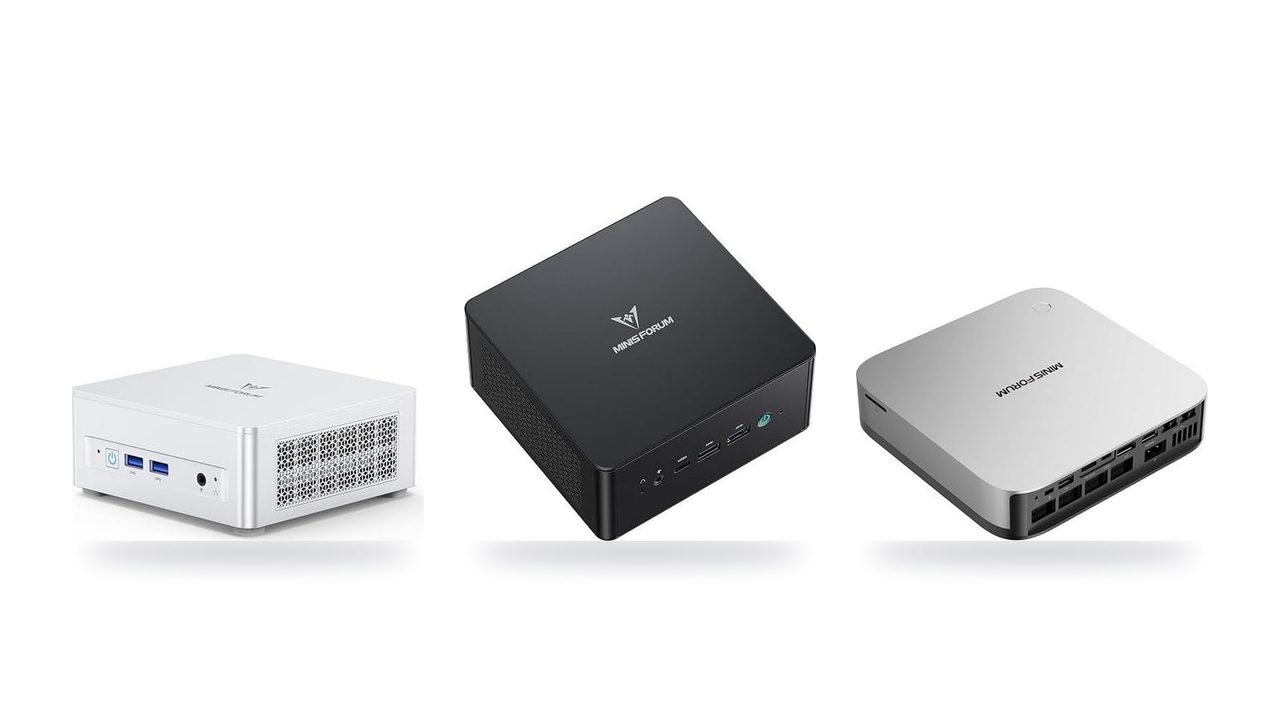
Mini PCs and Macs win on capacity per dollar. One quiet box covers what a GPU tower needs two or three 24–32 GB cards to hold in VRAM. The cost is speed. With roughly a quarter to half the bandwidth of a flagship GPU, these machines generate tokens more slowly, and long prompts take noticeably longer to process before the first token appears.
GPU towers win on speed inside a hard ceiling. Prompt processing and generation are both fast, but only for models that fit in VRAM. Going past 24–32 GB means splitting the model across several cards. That adds cost, power draw, PCIe lanes and setup complexity.
An OCuLink eGPU turns a mini PC into a hybrid. A 14B–32B model that fits on the card runs at GPU speed. A model larger than the card's VRAM still spills its overflow layers into system memory, and generation slows to the speed of that slower memory. The eGPU makes models that fit run faster. It does not let you run bigger models fast.
Software support is part of the decision. MLX runs only on Apple Silicon and is often the fastest way to run models on a Mac. llama.cpp, which Ollama and LM Studio are built on, runs on every platform: CUDA, ROCm, Vulkan and Metal. If you might switch hardware later, standardizing on llama.cpp-based tools keeps your models and workflow portable.
Pick a 64–128 GB mini PC or Mac if you want to run 70B-class models at Q4 on a quiet desk and can accept moderate tok/s. Pick a GPU tower if your models stay at 32B or below, fitting in 24–32 GB of VRAM, and you need fast prompt processing and generation for agents or batch work.