Best budget mini PC for local AI under $1,100 (2026)
Dual-channel DDR5-5600 tops out near 90 GB/s, so a budget mini PC can run an 8B model at conversational speed. It can also load a 70B model into 96GB of RAM, but that model will crawl. This guide is for anyone who wants private, local LLM inference without buying a GPU workstation, and it covers which of three sub-$1,100 machines fits which kind of use.
Quick picks
Under $1,100, the deciding spec is how much memory a model can actually load. Two of these three let you add RAM later. The third locks it in on the day you buy.
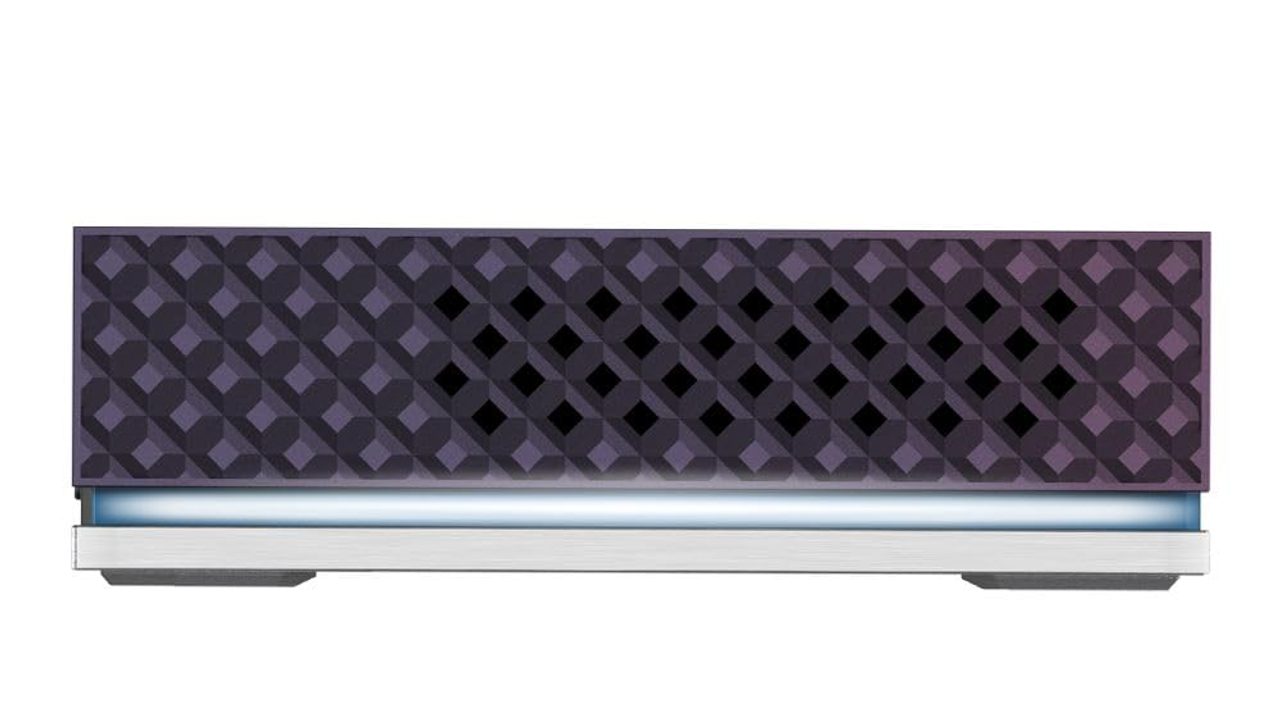
At $1,015, the Ryzen 9 8945HS and Radeon 780M sit next to two SO-DIMM slots that take up to 96GB of DDR5. That is enough to load 30B–70B models at Q4 quantization. OCuLink is the only path here to a future eGPU, so you can add real VRAM later without replacing the whole machine.
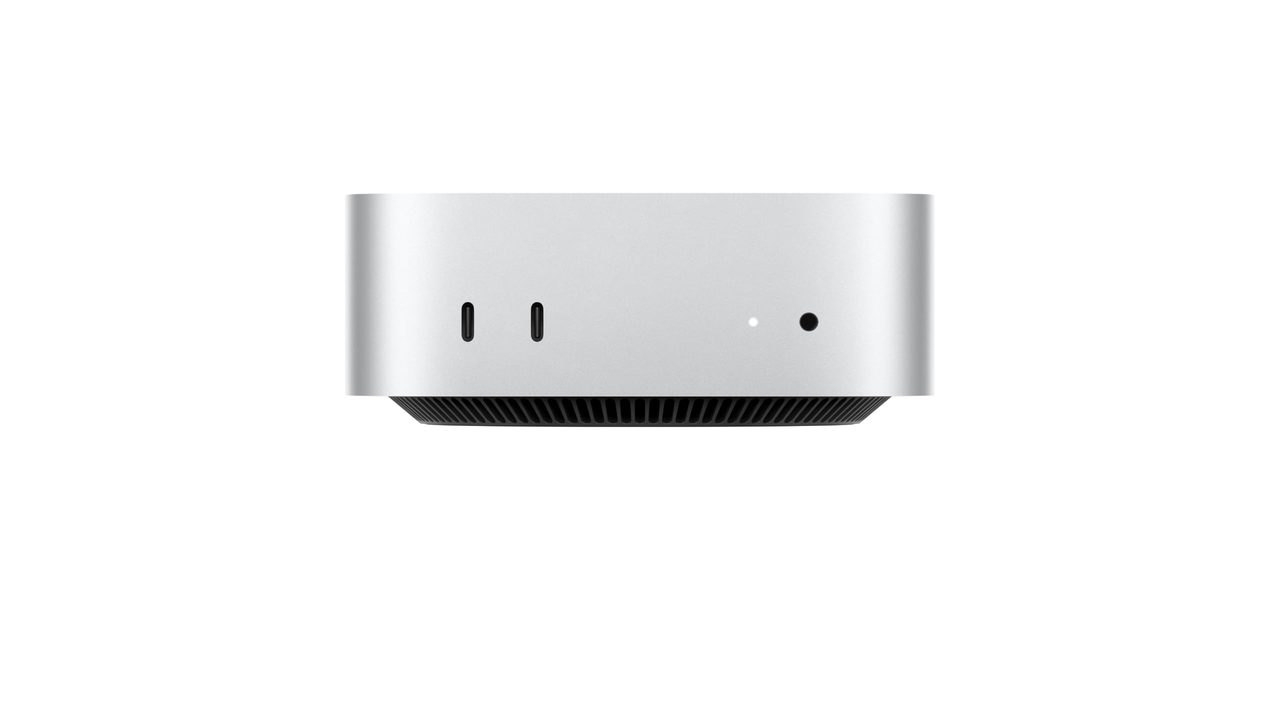
At $779, it is the cheapest of the three and the easiest to set up through MLX and LM Studio. Its unified memory is fixed at purchase, so the configuration you order sets your largest usable model for the life of the machine.
All three are priced between $779 and $1,015, which leaves room under $1,100 to put toward RAM. On the two MINISFORUM machines, more DDR5 lets you load bigger models. It does not make generation faster. Tokens per second is still capped by memory bandwidth, which the sections below cover.
All three compared at a glance
| Product | Rating | Price | Buy |
|---|---|---|---|
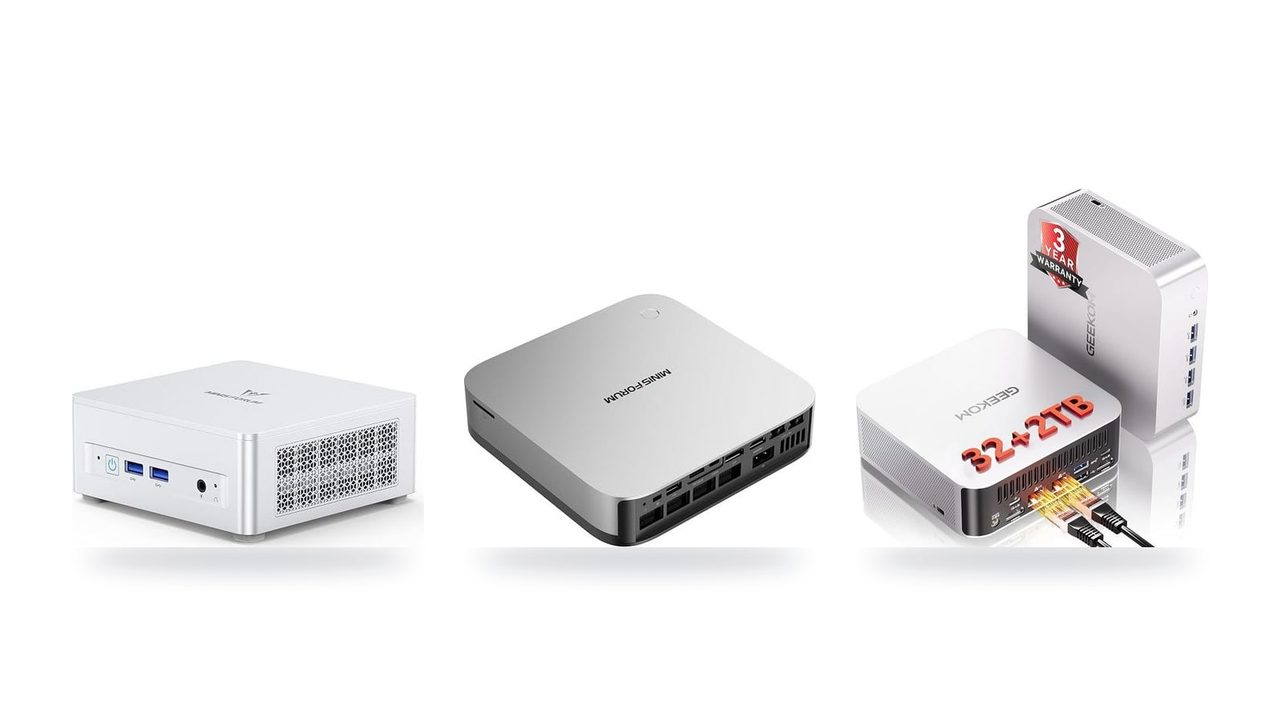
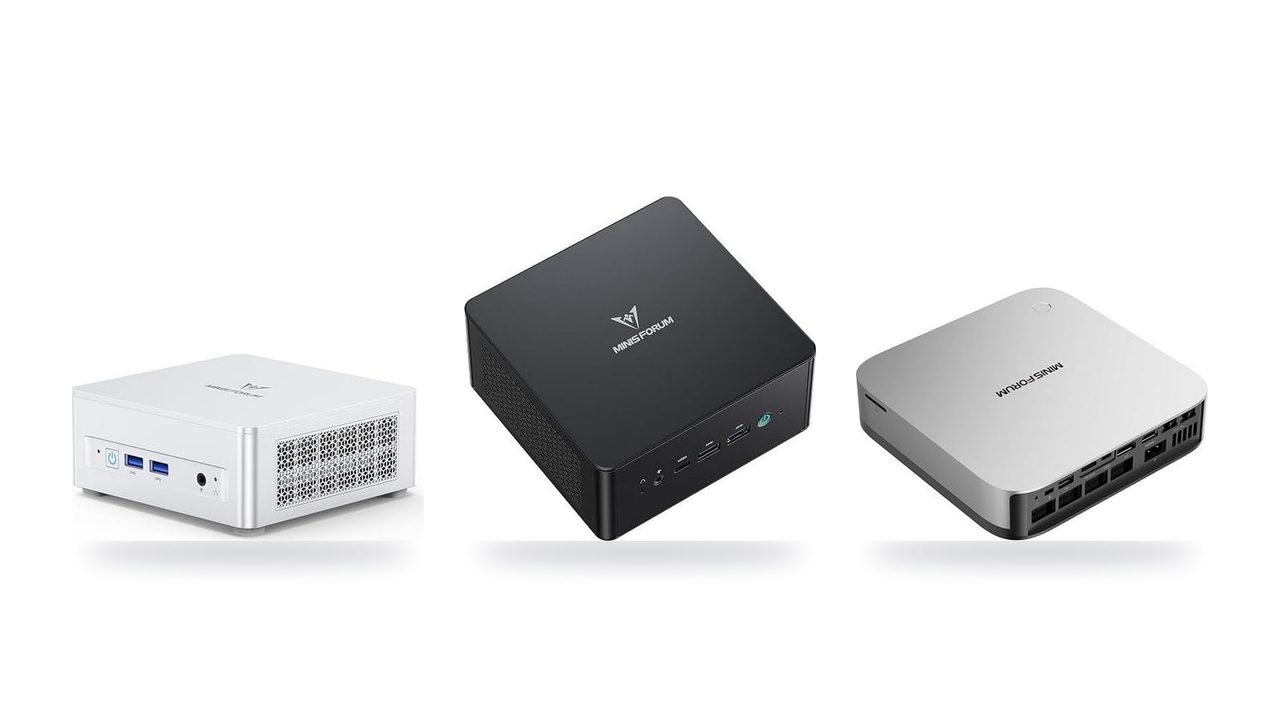
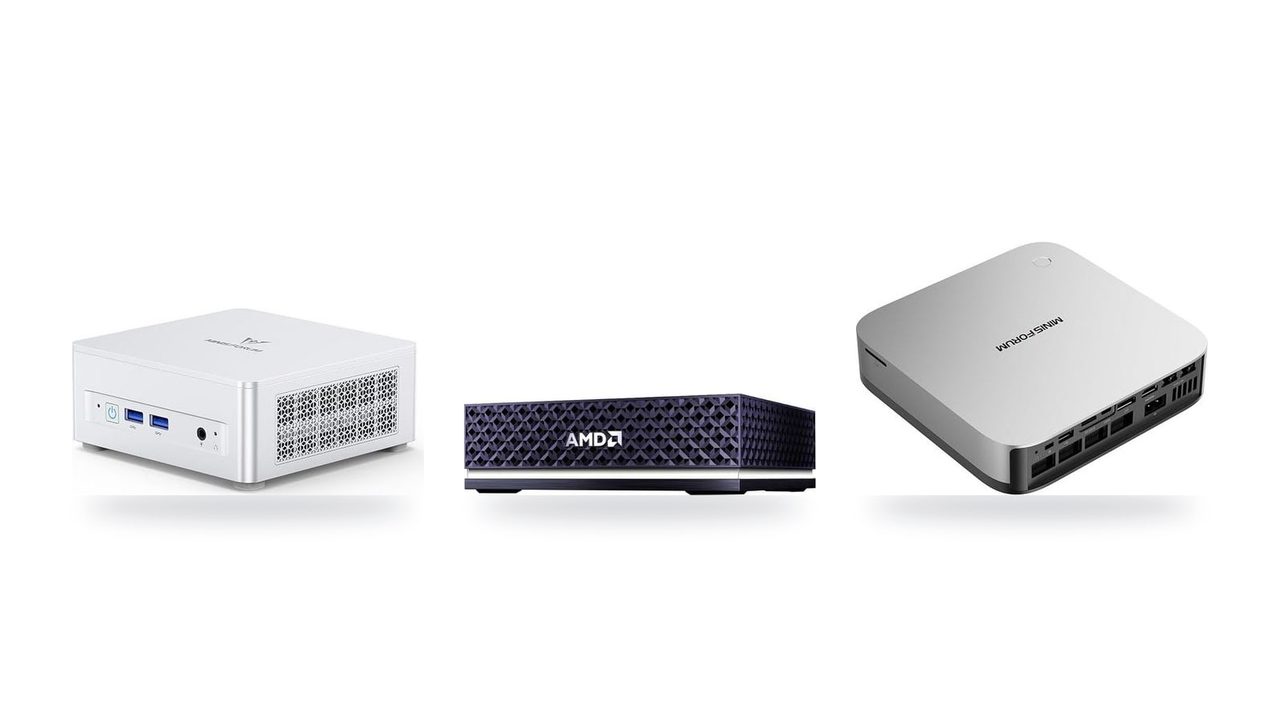
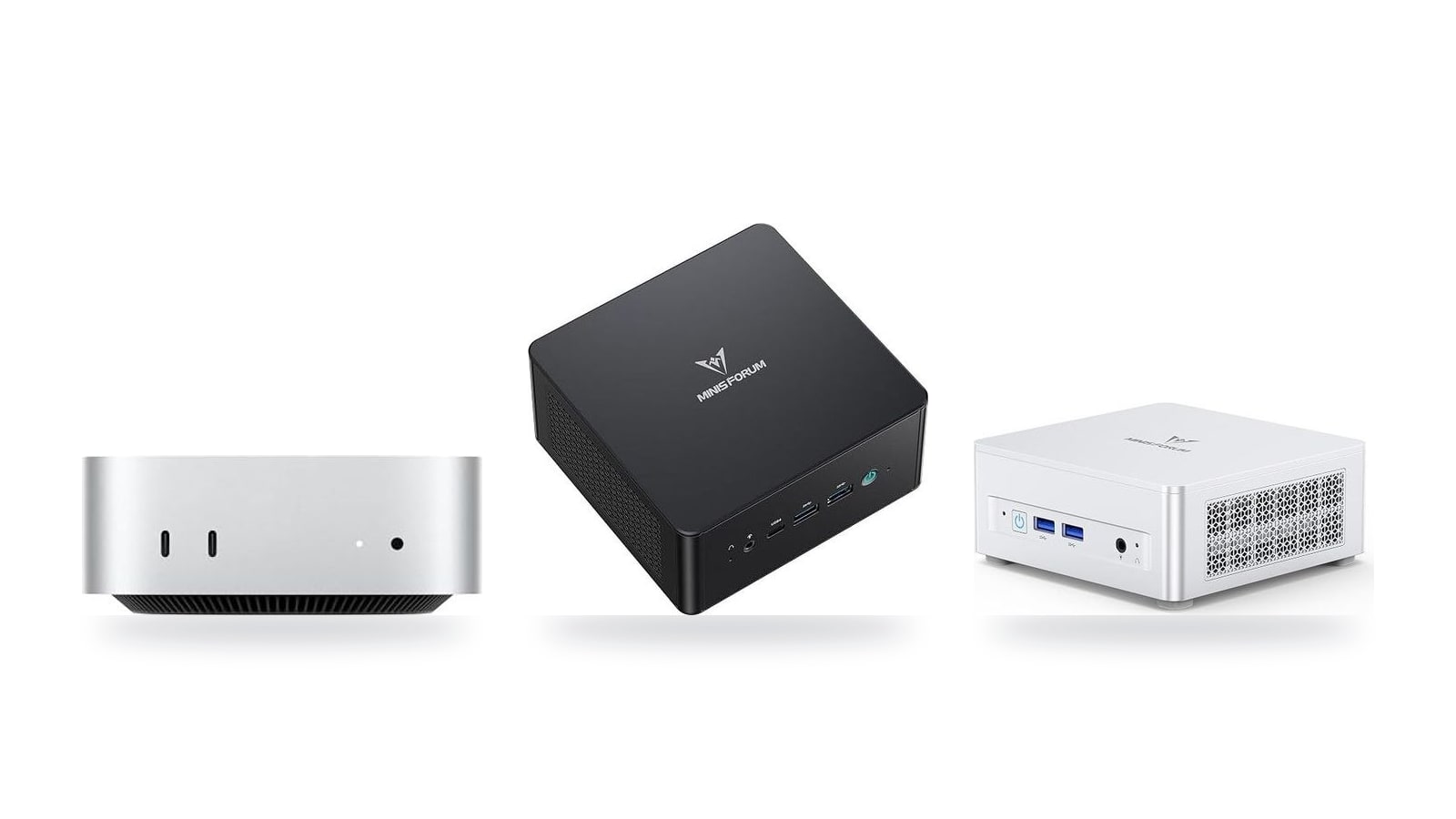
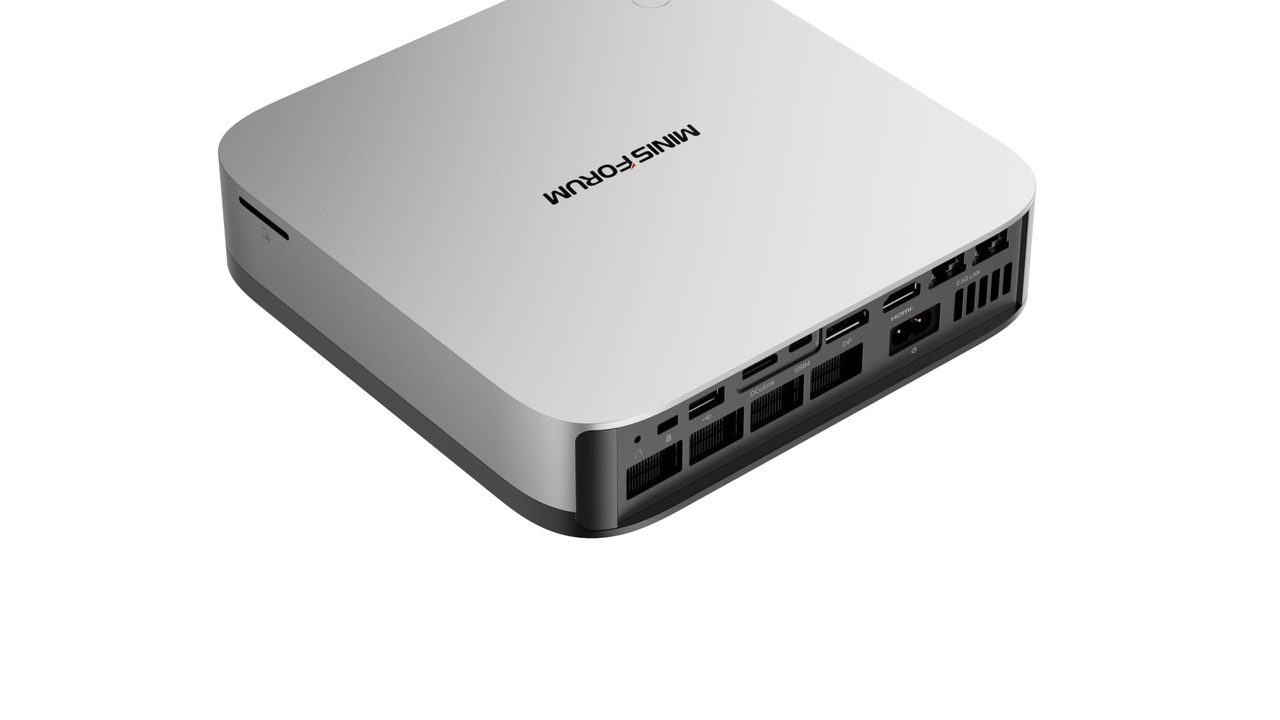
 Apple Mac mini (M6) Best Value Up to 32GB unified memory and 170GB/s in a 5x5-inch box for quiet, always-on local LLMs +32GB unified memory fits ~30B quantized models+GPU Neural Accelerators speed prompt processing -170GB/s bandwidth limits tokens per second | $779.00 | Buy → | |
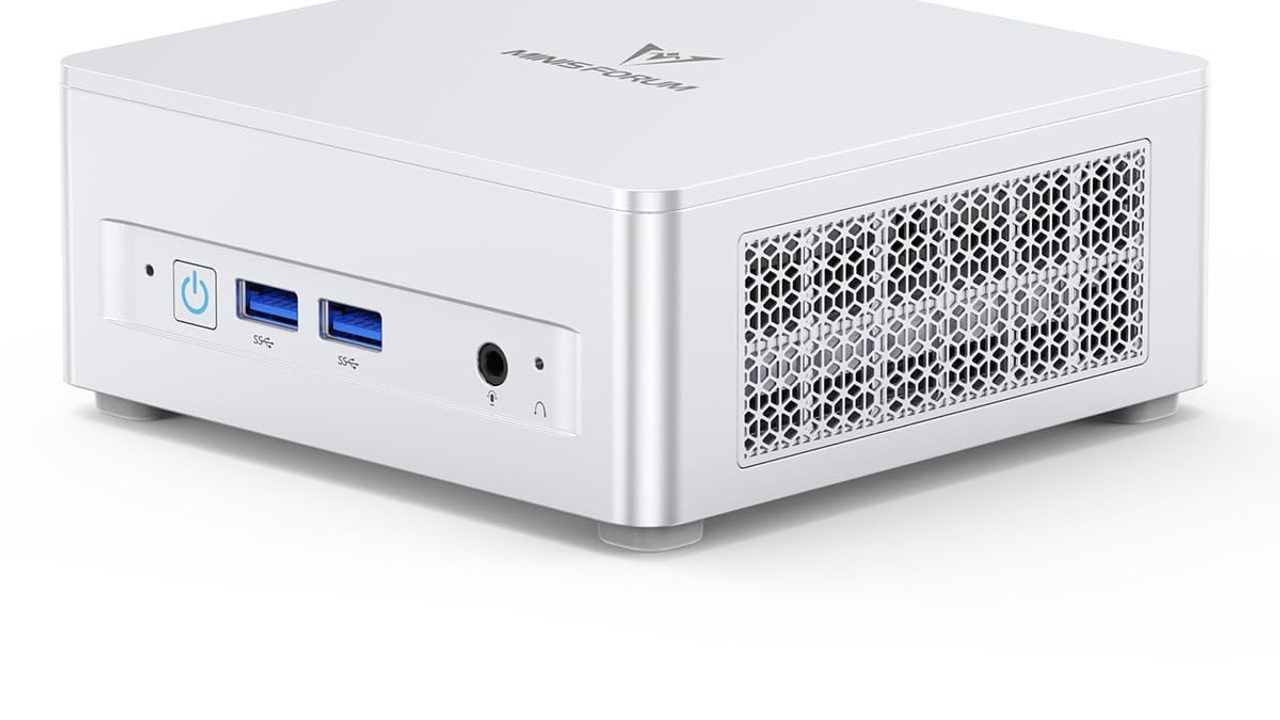
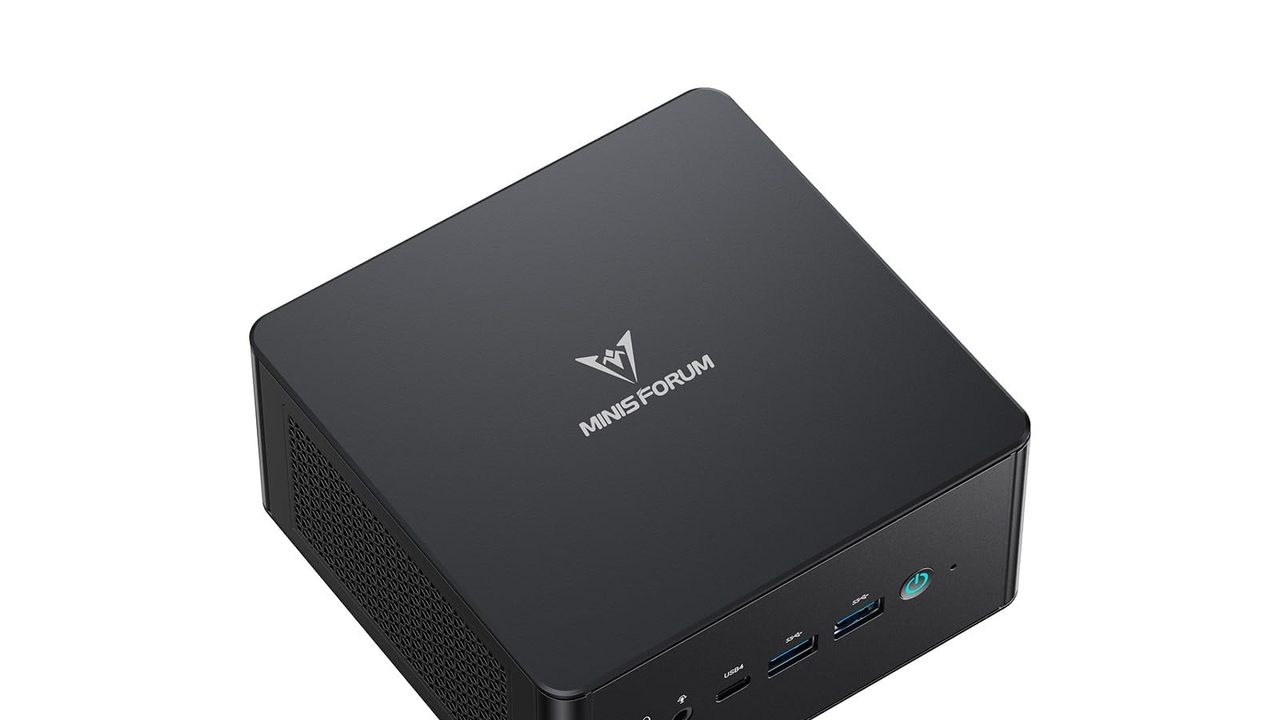
 MINISFORUM UM890 Pro Up to 96 GB of RAM plus OcuLink, so it can load large models now and take an external GPU later +96 GB RAM: fits 70B quantized models+OcuLink: add a desktop GPU later -Shared DDR5 slows large-model tokens/sec | $1,015.00 | Buy → | |
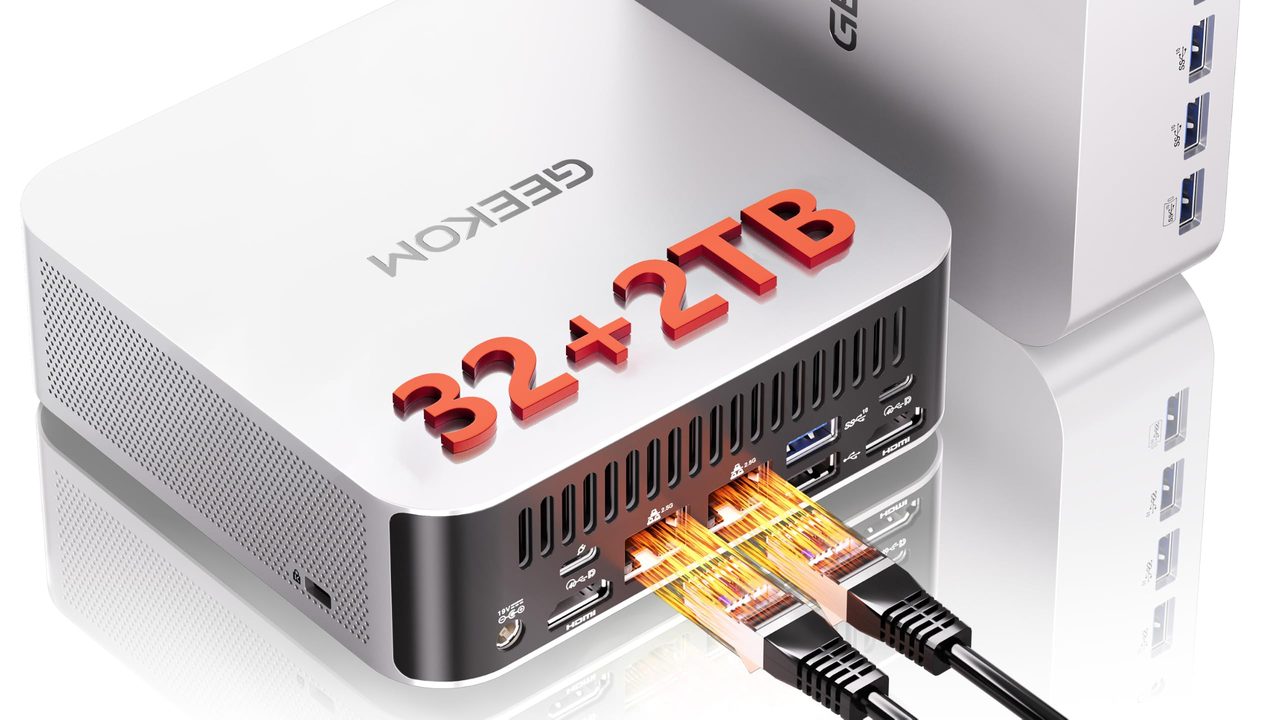
 MINISFORUM UM870 Slim Ryzen 7 8745H with a 96GB RAM ceiling for mid-size local models +96GB RAM ceiling fits bigger models+32GB stock handles mid-size quantized models -Dual-channel SO-DIMM caps token speed | $889.00 | Buy → |
Prices as of Nov 12, 2026; they may have changed since.
What to expect from local AI at this price
At this price, memory bandwidth sets how fast a model generates text, and RAM capacity sets which models you can load. The chip matters less than either. Every token requires reading the full set of model weights from RAM once. A useful rule of thumb is that the generation-speed ceiling is roughly memory bandwidth ÷ model file size.
- ~90 GB/susable dual-channel DDR5 bandwidth on a Radeon 780M mini PC, which caps generation speed
- ~18 tok/stheoretical ceiling for an 8B model at Q4_K_M (~5GB), comfortably fast for chat
- ~2 tok/stheoretical ceiling for a 70B model at Q4 (~40GB), slower than you read
- 96GBmaximum upgradeable DDR5 on the UM890 Pro and UM870 Slim
Real-world speeds land below these ceilings once overhead and longer context windows are added. Use them as upper bounds, not as expected results.
| Model size (Q4_K_M) | Approx. file size | Rough tok/s ceiling at ~90 GB/s | Practical fit |
|---|---|---|---|
| 8B | ~5GB | ~18 | Responsive chat and coding help |
| 14B | ~9GB | ~10 | Usable, with a noticeable pause on long replies |
| 32B | ~20GB | ~4–5 | Patient use, batch drafting |
| 70B | ~40GB | ~2 | Overnight jobs and quality checks, not live chat |
Where the Radeon 780M helps, and where it doesn't
Running llama.cpp's Vulkan backend on the 780M iGPU mainly speeds up prompt processing, which is the step where the model reads your input, pasted documents or chat history before it answers. That step is compute-bound, so the iGPU outperforms the CPU on it. Token generation improves less, because the CPU and the iGPU read weights from the same DDR5 pool at the same ~90 GB/s.
Why 96GB matters more than the processor
The upgradeable DDR5 in the UM890 Pro and UM870 Slim is the real advantage in this budget class. With 64–96GB installed, you can load 30B–70B quantized models, or run a smaller model with a long context window. A fixed-memory machine ordered with less than about 48GB cannot load a 40GB model at all, however fast its chip is. The cost of that headroom is speed: the larger models run at low single-digit tok/s.
UM890 Pro vs UM870 Slim vs Mac mini (M6): which fits you

Up to 32GB unified memory and 170GB/s in a 5x5-inch box for quiet, always-on local LLMs
- 32GB unified memory fits ~30B quantized models
- GPU Neural Accelerators speed prompt processing
- 5x5-inch footprint for always-on agent hosting
- 170GB/s bandwidth limits tokens per second
- 32GB cap rules out 70B models

Up to 96 GB of RAM plus OcuLink, so it can load large models now and take an external GPU later
- 96 GB RAM: fits 70B quantized models
- OcuLink: add a desktop GPU later
- Two PCIe 4.0 slots store models
- Shared DDR5 slows large-model tokens/sec
- OcuLink adapter uses up an M.2 slot

Ryzen 7 8745H with a 96GB RAM ceiling for mid-size local models
- 96GB RAM ceiling fits bigger models
- 32GB stock handles mid-size quantized models
- USB4 40 Gbps for eGPU expansion
- Dual-channel SO-DIMM caps token speed
- 780M shares RAM, no dedicated VRAM
Prices as of Nov 12, 2026; they may have changed since.
Setup tips for a Radeon 780M mini PC
These four steps apply to both the MINISFORUM UM890 Pro and the UM870 Slim, since they share the same Radeon 780M iGPU and dual SO-DIMM layout. Do them in order. RAM layout and BIOS settings determine your speed ceiling before any software is installed.
- Install a matched pair of SO-DIMMs. Fill both slots with identical DDR5 sticks, for example 2×32GB or 2×48GB. A single stick drops the system to single-channel, which roughly halves memory bandwidth and therefore tok/s. For local LLM use, 2×16GB is a better buy than 1×32GB.
- Raise the UMA frame buffer in BIOS. This is the iGPU memory allocation. The default is often small, so set it to a larger preset so the 780M can hold more model layers. Leave enough RAM for the OS: aim for at least 16GB unallocated on a 64GB or 96GB build. On a 32GB system, keep the allocation to about half.
- Install Ollama, then add Open WebUI. Ollama runs the models and Open WebUI gives you a chat interface in the browser, reachable from any device on your network. This is the quickest path to a working setup.
- Switch to a llama.cpp Vulkan build or LM Studio when you need control. Both let you set how many layers go to the iGPU and how many stay on the CPU, which matters once a model is larger than your UMA allocation.
Pick the right quantization
Use Q4_K_M as your default. It keeps most of the model's quality at roughly a quarter of the FP16 file size. Q8 is only worth it for small models, because it nearly doubles the memory read on every token. On a bandwidth-limited 780M, that means proportionally slower generation.
| Model size | Suggested quantization | Why |
|---|---|---|
| 7B–8B | Q8 if speed is acceptable, otherwise Q4_K_M | Small enough that Q8 still fits easily and runs at usable speed |
| 13B–14B | Q4_K_M | Best balance on 32GB or more |
| 30B–34B | Q4_K_M | Needs 64GB for comfortable context-window headroom |
| 70B | Q4_K_M | Only practical with 64–96GB, and generation will be slow |
Single stick, half the speed
Some pre-built mini PC configurations ship with only one SO-DIMM installed, and barebones units ship with none. Check the listing before you budget. If the box has one stick, add an identical second one, because mixing capacities or speeds can break the dual-channel setup from step 1.
The Mac mini (M6) skips all of these steps. Its unified memory has no BIOS allocation to tune and no slots to fill, which is why choosing its memory configuration carefully at checkout matters so much.
Frequently asked questions
Can a budget mini PC run a 70B model?
Yes, with 64–96GB of DDR5 and Q4 quantization. A 70B model at Q4_K_M needs roughly 40GB for the weights alone. The MINISFORUM UM890 Pro and UM870 Slim both accept up to 96GB, which leaves room for the context window and the OS. At about 90 GB/s of memory bandwidth, generation tops out around 2 tok/s in theory, and less in practice. That speed suits batch jobs such as summarizing documents overnight or tagging files. It is too slow for a chat you'd want to sit and watch.
Is 32GB enough?
For 7B–14B models, yes. A 14B model at Q4 takes roughly 9GB, which leaves plenty of room for a comfortable context window and the iGPU's memory allocation. 30B-class models technically squeeze into 32GB at Q4, but very little headroom remains once the OS and a long context are loaded. If 30B-class models are your goal, buy 64GB or more. On the UM890 Pro or UM870 Slim, you can start at 32GB and upgrade the DDR5 later.
Does the NPU help with Ollama?
Not currently. Ollama and llama.cpp skip the NPU and run on the CPU and the Radeon 780M iGPU instead. If local LLMs are your main workload, spend the money on RAM capacity, such as moving from 32GB to 64GB, rather than on a higher TOPS figure.
Is the Mac mini (M6) or the UM890 Pro better for local AI?
The Mac mini (M6) wins on simplicity. MLX and LM Studio work well out of the box, and its unified memory needs no BIOS tuning. It is also $236 cheaper. Its catch is that memory is fixed at purchase, so the configuration you order sets your model-size limit for good.
The UM890 Pro wins on headroom. Its upgradeable DDR5 reaches 96GB, and OCuLink lets you add an eGPU with dedicated VRAM later. That eGPU route is the only path in this group to much faster tok/s.
Pick the Mac mini if you want local AI working on day one with no BIOS or RAM decisions. Pick the UM890 Pro if you plan to grow into 30B–70B models or add an eGPU.
Latest reviews
Guides & articles