Best machines for running local LLMs at home: buy memory, not a graphics card
A 70B model quantized to 4-bit is roughly 40 GB of weights before you add any context, and a 24 or 32 GB graphics card can't hold it, so the model spills into system RAM and slows to a crawl. So instead of a graphics card, I compared the eight machines in our catalog whose GPU draws on one large pool of RAM. That means Apple's unified-memory Macs, AMD's Ryzen AI Halo, and mini PCs that share ordinary SO-DIMM DDR5. I ranked them by the model size each can actually load and by the token speed its memory bandwidth allows, working from the spec sheets and published benchmarks.
Quick picks
Disclosure: if you buy through the links on this page, I may earn a commission. It doesn't change which machines make the list.
For local LLMs, the first question is which model size you want to run. A 7B model at 4-bit fits in a fraction of the memory a 70B model needs. Each pick below is matched to the size it can realistically load, so start with your model size and then look at the price.
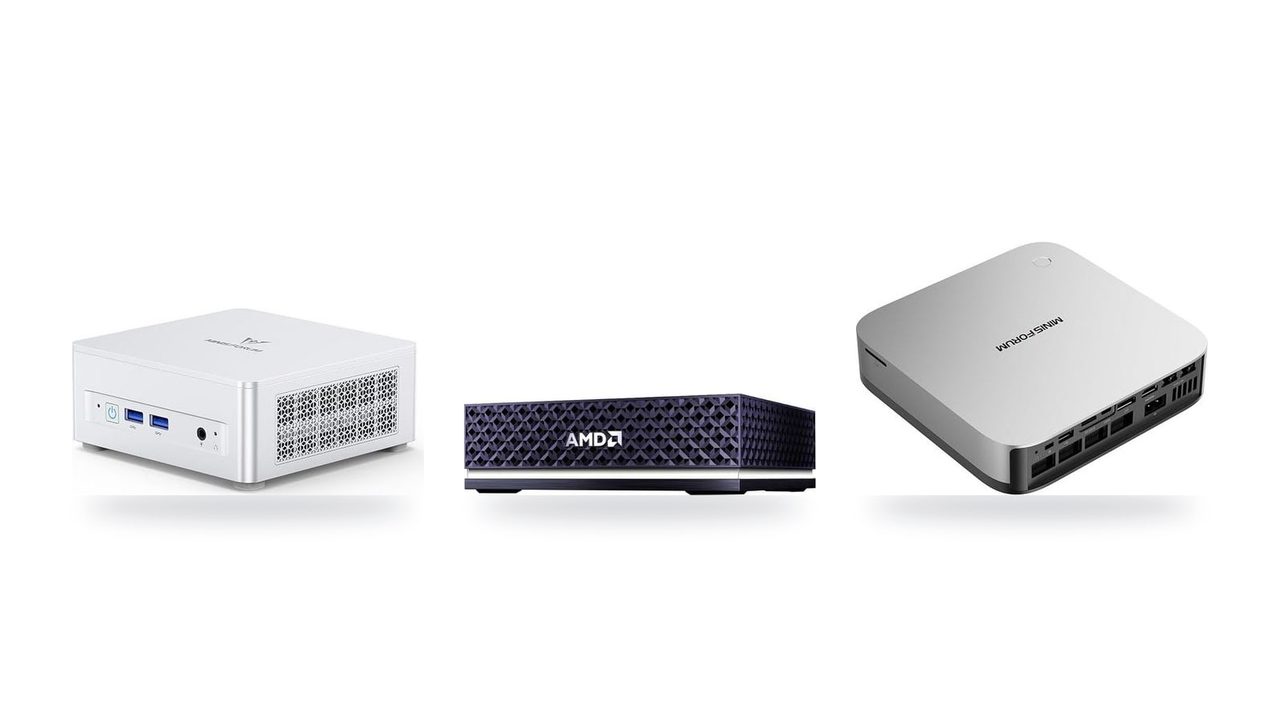
Up to 128 GB of LPDDR5X on a 256-bit bus, and most of it can be assigned to the Radeon GPU. That means a 70B model at 4-bit fits with room left for a long context window, and AMD's spec sheet says the pool can load 200B-class models.
The catch is speed. At 256 GB/s, a 40 GB 70B model tops out near 6 tokens/s, and the integrated 8060S trails a discrete card.
So why pick it over the Mac Studio (M5 Max)? The Mac has the same 128 GB and 614 GB/s of bandwidth, and it costs about half as much. The Halo's case is software. It runs Linux with a preloaded ROCm stack, which helps if your tooling has no Metal/MLX port. If you simply want faster 70B replies, the Mac is the better buy. At $4,760 this is the priciest pick by a wide margin.
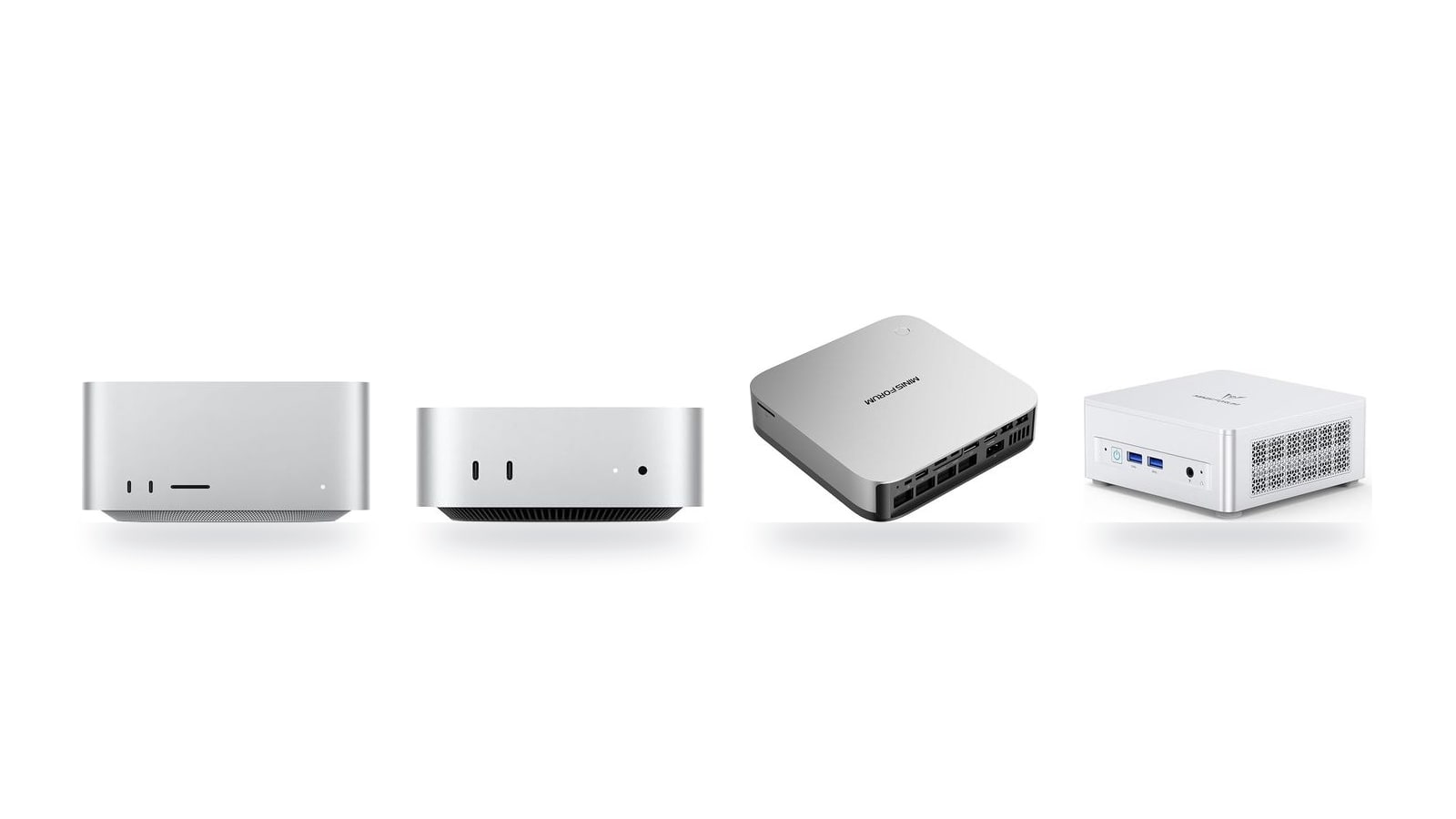
614 GB/s of bandwidth and up to 128 GB of unified memory. By the bandwidth math, that puts the ceiling near 15 tokens/s on a 4-bit 70B model, roughly 2.4 times the Ryzen AI Halo, and around 30 tokens/s on a 32B model.
That makes it the fastest way on this list to run 70B, at less than half the Halo's price. The trade-offs: there's no CUDA, so you live in Metal and MLX tooling, and 128 GB is still a ceiling for the very largest models. Check the memory configuration before checkout: the $2,299.99 price is a starting point, and the memory tier you choose decides whether 70B loads at all.
At $1,549 you get 64 GB of unified memory at 307 GB/s. That covers 14B–32B models, the range where coding and writing assistants get noticeably better at reasoning than 8B models. A 4-bit 32B model is roughly 18 GB, so the bandwidth math allows about 17 tokens/s.
A 4-bit 70B model (about 40 GB) does technically load. It leaves only about 24 GB for the OS and context cache, though, and 307 GB/s caps it near 7 tokens/s. That's why I treat 32B as its practical limit.
The memory is fixed at purchase, and it's macOS only, so CUDA-based tools are out. If you don't need 70B, this is the sensible stopping point.
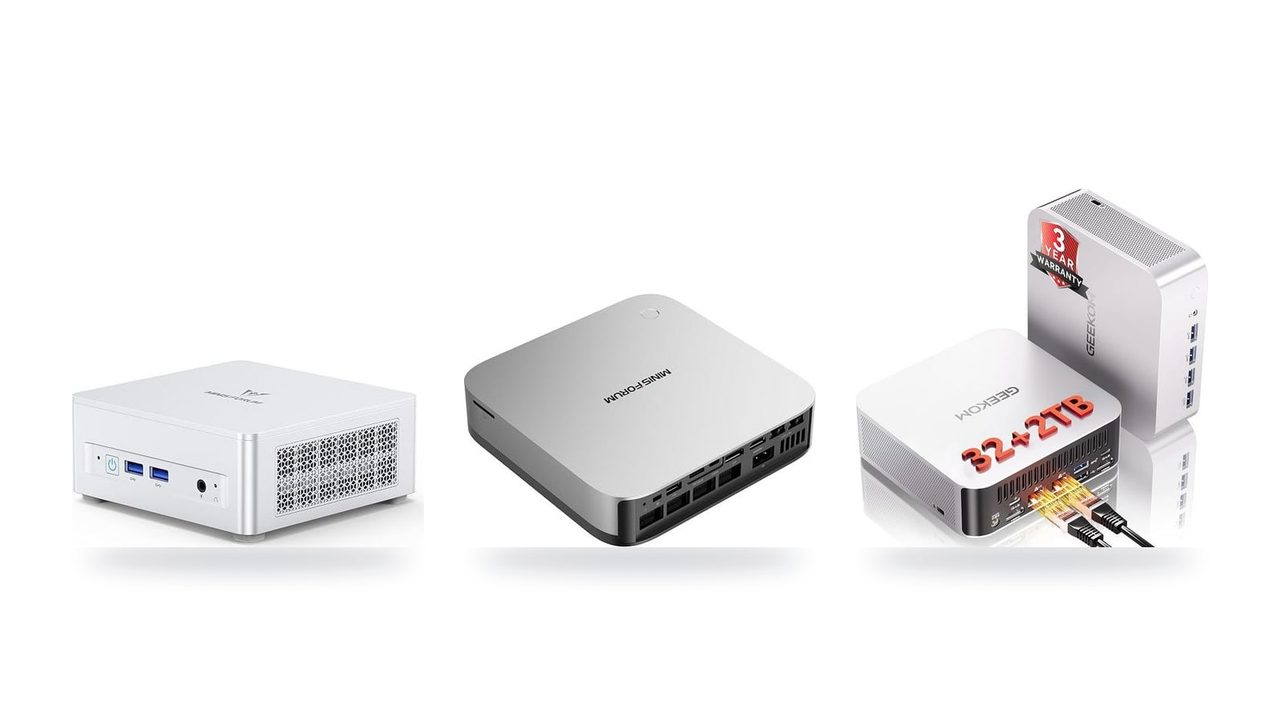
Radeon 890M integrated graphics sharing up to 128 GB of SO-DIMM DDR5, at $1,247. That's enough memory to load a 4-bit 70B model. The shared DDR5 runs at only 89.6 GB/s, though, so the ceiling is roughly 18 tokens/s on an 8B model and about 2 tokens/s on 70B. In practice it's comfortable for 7B–14B coding autocomplete and everyday chat. A 70B model here is a start-it-and-get-coffee job.
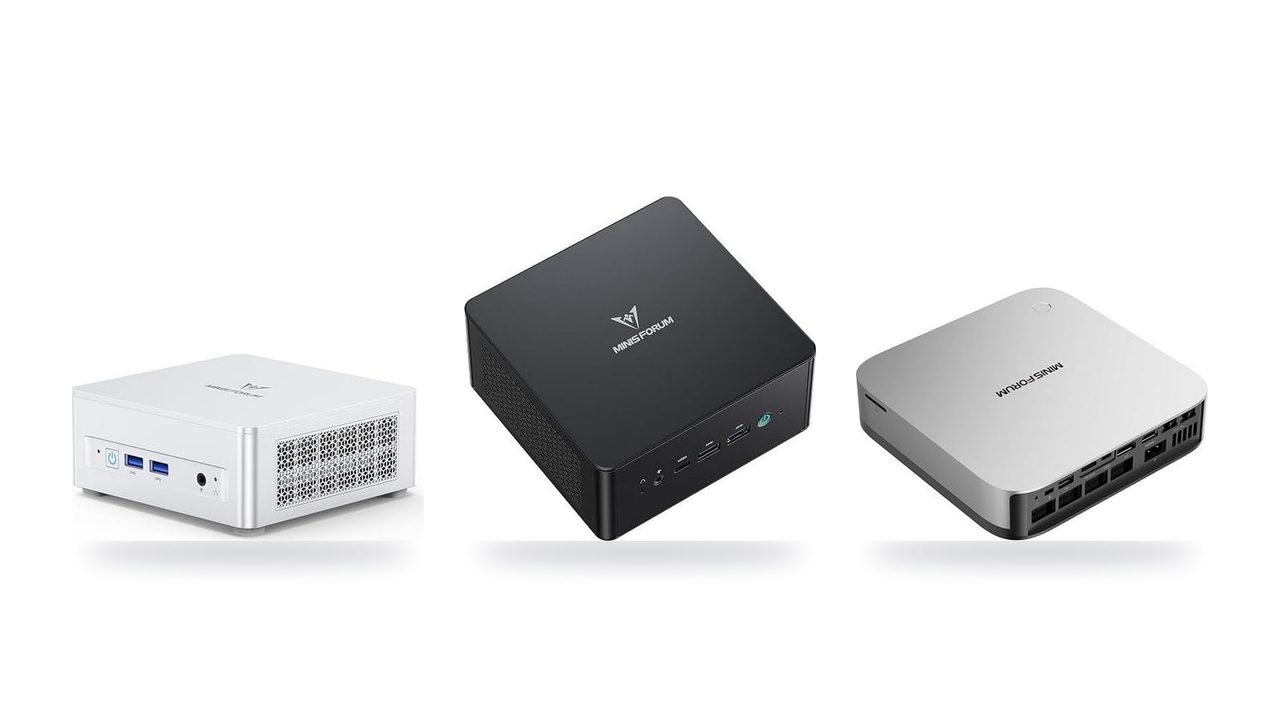
It isn't the cheapest way in. The Apple Mac mini (M6) at $779 is actually quicker on 8B at 170 GB/s. The MINISFORUM UM870 Slim at $889 and the UM890 Pro at $1,015 also run 8B models fine.
The AI X1 Pro-370 earns its price with three things: the 128 GB ceiling, the extra CPU for other work, and an OCuLink port for adding a desktop eGPU later. Dual-channel DDR5 is the bottleneck, and past 14B you'll be waiting on every reply.
Several boxes here reach 96–128 GB, so capacity alone doesn't separate them. Bandwidth does. On a 4-bit 70B model, the bandwidth math puts the mini PCs near 2 tokens/s, the Ryzen AI Halo near 6 and the Mac Studio (M5 Max) near 15. On every one of them, 70B is still far slower than an 8B model. If small models already do what you need, the budget pick isn't a compromise. It's the right purchase.
All eight machines compared
| Product | Rating | Price | Buy |
|---|---|---|---|
 Apple Mac mini (M5 Pro) 307GB/s unified memory for running local LLMs from a five-inch desktop +307GB/s bandwidth: faster LLM token generation+GPU Neural Accelerators: quicker prompt processing -Fixed memory: choose LLM capacity upfront | $1,549.00 | Buy → | |
 Apple Mac Studio (M5 Max) Up to 128GB unified memory at 614GB/s for running large LLMs quietly on your desk +128GB unified memory fits large quantized LLMs+614GB/s bandwidth speeds token generation -128GB cap limits the largest models | $2,299.99 | Buy → | |
 AMD Ryzen AI Halo Editor's Choice 128GB unified memory to run up to 200B-parameter models locally on Linux +128GB shared pool: loads 200B models+Preloaded ROCm stack: less Linux setup -256 GB/s limits dense-model token speed | $4,760.00 | Buy → | |
| Apple Mac mini (M6) Best Value Up to 32GB unified memory and 170GB/s in a 5x5-inch box for quiet, always-on local LLMs +32GB unified memory fits ~30B quantized models+GPU Neural Accelerators speed prompt processing -170GB/s bandwidth limits tokens per second | $779.00 | Buy → | |
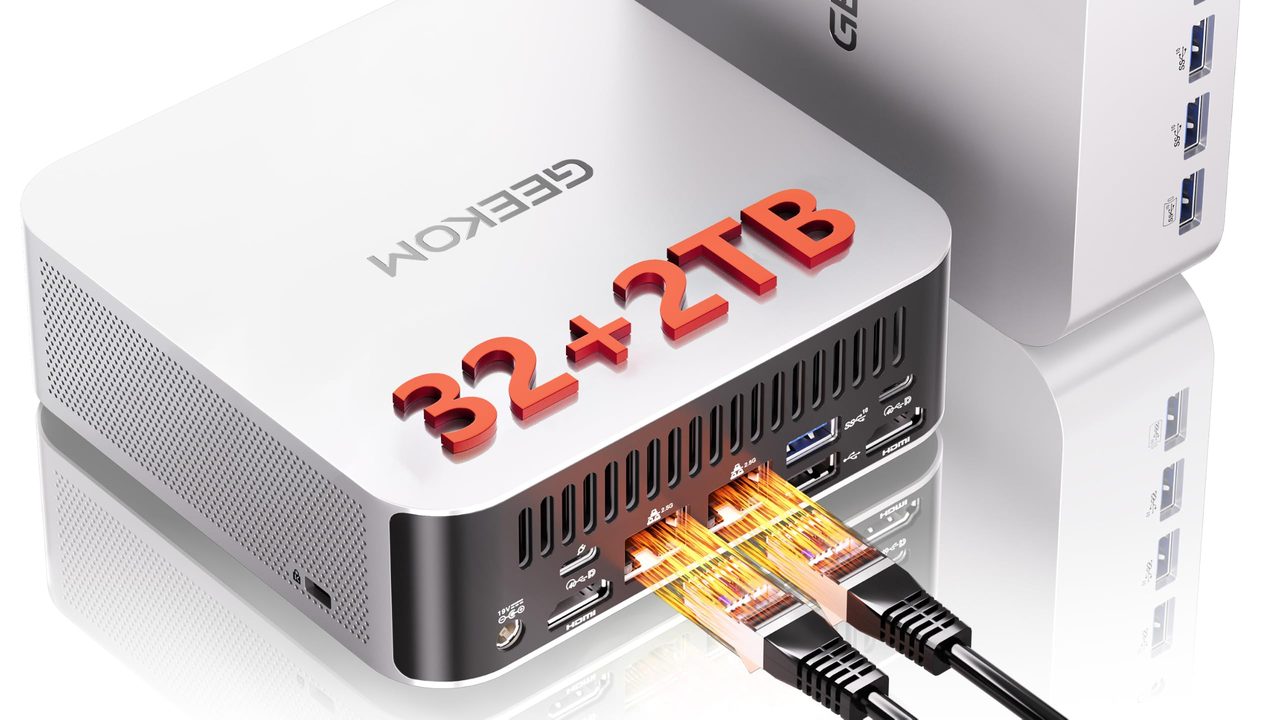
 GEEKOM A9 Max Ryzen AI 9 470 mini PC with room for 128 GB RAM to run larger local LLMs +128 GB RAM ceiling fits bigger models+2TB SSD stores many model files -Stock 32GB limits model size | $1,599.00 | Buy → | |
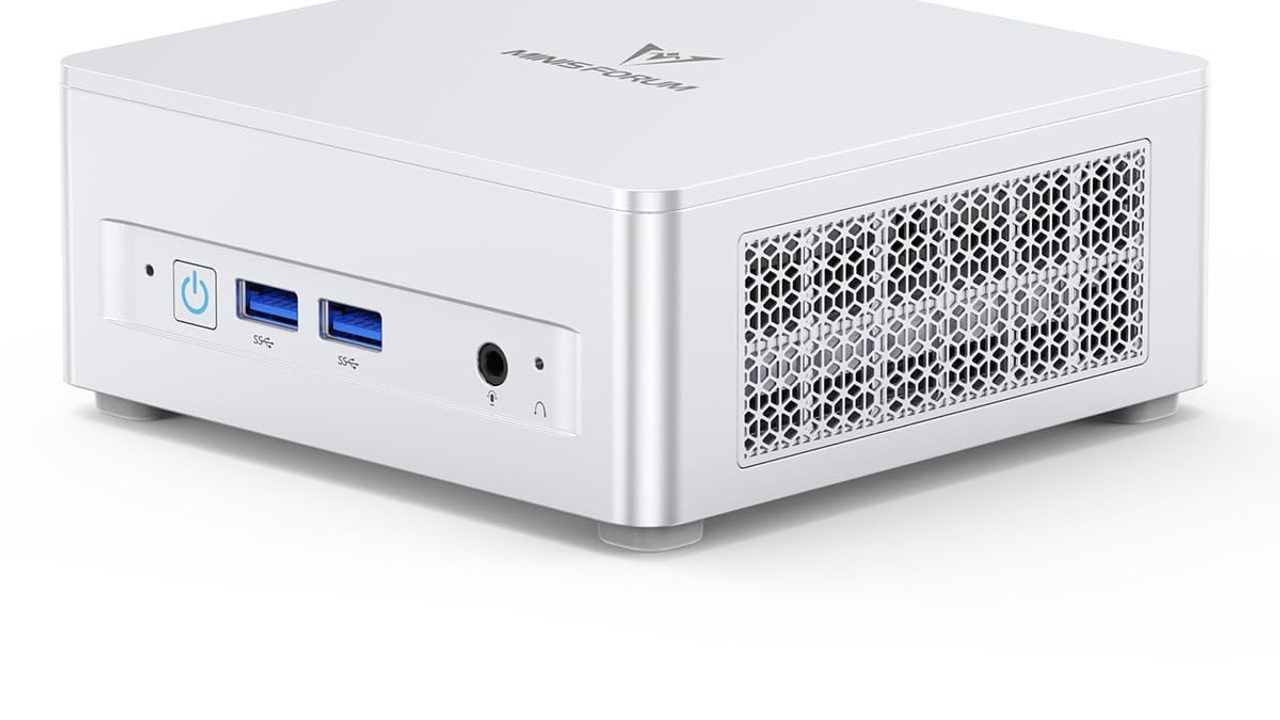
 MINISFORUM AI X1 Pro-370 128GB RAM ceiling and OCuLink for a GPU upgrade later +128GB RAM: fits 70B quantized models+OCuLink: add a desktop eGPU later -890M iGPU: slow tokens on large models | $1,247.00 | Buy → |
Prices as of Nov 12, 2026; they may have changed since.
Top picks at a glance

307GB/s unified memory for running local LLMs from a five-inch desktop
- 307GB/s bandwidth: faster LLM token generation
- GPU Neural Accelerators: quicker prompt processing
- Five-inch box: compact always-on agent server
- Fixed memory: choose LLM capacity upfront
- macOS only: CUDA-based tools won't run

Up to 128GB unified memory at 614GB/s for running large LLMs quietly on your desk
- 128GB unified memory fits large quantized LLMs
- 614GB/s bandwidth speeds token generation
- Thunderbolt 5 ports enable multi-Mac clustering
- 128GB cap limits the largest models
- No CUDA: relies on Metal/MLX tooling

128GB unified memory to run up to 200B-parameter models locally on Linux
- 128GB shared pool: loads 200B models
- Preloaded ROCm stack: less Linux setup
- 10GbE LAN: faster model file transfers
- 256 GB/s limits dense-model token speed
- Integrated 8060S trails discrete GPU throughput
Up to 32GB unified memory and 170GB/s in a 5x5-inch box for quiet, always-on local LLMs
- 32GB unified memory fits ~30B quantized models
- GPU Neural Accelerators speed prompt processing
- 5x5-inch footprint for always-on agent hosting
- 170GB/s bandwidth limits tokens per second
- 32GB cap rules out 70B models

Ryzen AI 9 470 mini PC with room for 128 GB RAM to run larger local LLMs
- 128 GB RAM ceiling fits bigger models
- 2TB SSD stores many model files
- Dual 2.5GbE for serving models locally
- Stock 32GB limits model size
- Shared DDR5 slows tokens vs. dedicated GPUs

128GB RAM ceiling and OCuLink for a GPU upgrade later
- 128GB RAM: fits 70B quantized models
- OCuLink: add a desktop eGPU later
- 65W max draw keeps running costs low
- 890M iGPU: slow tokens on large models
- SO-DIMM DDR5 trails unified-memory bandwidth

Up to 96 GB of RAM plus OcuLink, so it can load large models now and take an external GPU later
- 96 GB RAM: fits 70B quantized models
- OcuLink: add a desktop GPU later
- Two PCIe 4.0 slots store models
- Shared DDR5 slows large-model tokens/sec
- OcuLink adapter uses up an M.2 slot

Ryzen 7 8745H with a 96GB RAM ceiling for mid-size local models
- 96GB RAM ceiling fits bigger models
- 32GB stock handles mid-size quantized models
- USB4 40 Gbps for eGPU expansion
- Dual-channel SO-DIMM caps token speed
- 780M shares RAM, no dedicated VRAM
Prices as of Nov 12, 2026; they may have changed since.
Why memory, not the GPU badge, decides what runs
Two numbers decide whether a local model is usable: how much memory the GPU can address and how fast it can read that memory. The first decides whether the model loads at all. The second decides how long you wait for each reply.
The rule of thumb I use: tokens per second tops out near memory bandwidth divided by model size. Every generated token means streaming roughly the whole set of weights through the GPU once. Based on the spec sheet, the AMD Ryzen AI Halo moves about 256 GB/s, so a 70B model quantized to around 40 GB peaks near 6 tokens/s. That reads like someone typing slowly. It's usable for drafting and Q&A, and tedious for anything conversational.
A high-end discrete card has four to seven times that bandwidth, but it caps at 24–32 GB. On anything that fits, it's the fastest option here by a wide margin. Anything that doesn't fit spills into system RAM over PCIe, and published benchmarks show throughput collapsing when that happens. It's fast or painful, with very little in between.
Mini-PC iGPUs, such as the Radeon chips in the MINISFORUM UM870 Slim, UM890 Pro and GEEKOM A9 Max, share dual-channel DDR5 at roughly a third of the Ryzen AI Halo's bandwidth. That's fine for an 8B model, which is about 5 GB at 4-bit and puts the ceiling in the high teens of tokens/s. It turns sluggish past 14B, and a 32B model drops to a few tokens per second even when it fits. The 96–128 GB versions will load a 4-bit 70B model, but at 89.6 GB/s it tops out near 2 tokens/s.
| Discrete card | Ryzen AI Halo / Mac Studio (M5 Max) | Mini-PC iGPU | |
|---|---|---|---|
| Memory the GPU can use | 24–32 GB, hard cap | Up to 128 GB, mostly assignable | Shared slice of system DDR5 |
| Bandwidth | Highest | 256 GB/s (Halo) to 614 GB/s (Mac Studio) | 89.6 GB/s |
| 8B model (about 5 GB at 4-bit) | Very fast | Fast | Comfortable |
| 14B–32B | Fast if it fits | Smooth | 14B okay, 32B slow |
| 70B (about 40 GB at 4-bit) | Doesn't fit, so offloads and crawls | Loads; ceiling around 6 tokens/s (Halo) to 15 (Mac Studio) | Loads on 96–128 GB models, around 2 tokens/s |
| Main trade-off | Speed, but limited capacity | Capacity, but moderate speed | Price, but limited to small models |
How to choose between them
Start with the largest model you actually plan to run, not the one you might try once. That single number sorts these eight machines faster than any spec sheet.
| Largest model you need | Where to look | What extra money buys |
|---|---|---|
| 7B–8B (chat, code autocomplete) | MINISFORUM UM870 Slim, Apple Mac mini (M6) | Headroom you won't use |
| 14B–32B (better reasoning, longer context) | Apple Mac mini (M5 Pro), GEEKOM A9 Max | The ability to load the model at all |
| 70B-class | AMD Ryzen AI Halo, Apple Mac Studio (M5 Max) | Capacity, plus real speed on the Mac Studio |
If 7B–8B models are enough, the MINISFORUM UM870 Slim at $889 or the Apple Mac mini (M6) at $779 does the job. A 4-bit 8B model is small enough that both handle it comfortably. Spending more here buys headroom, not a better answer, because the same 8B model gives the same output on a $4,760 box. The MINISFORUM UM890 Pro at $1,015 and the AI X1 Pro-370 at $1,247 run 8B models at the same 89.6 GB/s. Pay for them if you want one of three extras: more CPU for other work, room to load a 70B model slowly (96 GB and 128 GB ceilings), or an OCuLink port for a desktop GPU later.
14B–32B is where the mid-tier earns its price. The Apple Mac mini (M5 Pro) at $1,549 and the GEEKOM A9 Max at $1,599 are the sensible stops, but they aren't equal. The Mac mini's 307 GB/s puts a 32B model near 17 tokens/s. The GEEKOM's shared DDR5 at 89.6 GB/s means about 5. It also ships with 32 GB, so plan on upgrading toward its 128 GB ceiling. What the GEEKOM offers instead is that upgrade path and a 2TB SSD for model files. My one firm rule here is to buy the higher memory configuration. The Mac mini's RAM is soldered, so the amount you buy is the amount you live with. Saving a few hundred dollars now can mean the model you want in a year won't load.
Only pay for the AMD Ryzen AI Halo or the Apple Mac Studio (M5 Max) if you specifically need 70B-class models. Both hold one in memory with room for context, but they don't run it equally. The bandwidth math caps the Ryzen AI Halo near 6 tokens/s on a 4-bit 70B model and the Mac Studio near 15. For 70B speed per dollar, the $2,299.99 Mac Studio wins outright. The $4,760 Halo makes sense only if you need Linux and ROCm. Neither is chatbot-snappy, and if you'd be impatient at 6 tokens/s, $4,760 is an expensive way to find out.
Already own a desktop with a 24 GB card? Keep it. For any model that fits in its VRAM, it will outrun every machine on this list. Buy a unified-memory box only for the models that don't fit. Adding one for the larger models makes more sense than retiring a GPU that still works.
Good for
- Hobbyists running 8B models for chat or autocomplete, on a Mac mini (M6) or UM870 Slim
- Developers who need 32B coding models, on a Mac mini (M5 Pro) or GEEKOM A9 Max with maxed RAM
- Researchers who must run 70B locally for privacy and can accept slower replies, on a Ryzen AI Halo or Mac Studio (M5 Max)
Not for
- Anyone buying a Halo-class machine "just in case" while running 8B models day to day
- Owners of a 24 GB GPU whose models already fit in VRAM
- Readers expecting cloud-chatbot speed from a 70B model on a desk-sized box
Common questions
Frequently asked questions
Should I buy a discrete graphics card instead?
If your model fits in VRAM, yes. A discrete card has far more bandwidth than any machine on this list, so replies come back noticeably faster. The catch is the hard wall at 24–32 GB. A 70B model at 4-bit is too large for one card, and spilling layers into system RAM erases the speed advantage. You also need a desktop tower and a power supply sized for it. For 7B–32B models, a used 24 GB card in an existing desktop is often the better deal. Past that size, a large shared-memory box like the Mac Studio (M5 Max) or Ryzen AI Halo is the only single-box option.
Mac or AMD for local LLMs?
Macs need very little setup. llama.cpp and MLX both run well on Apple silicon, so the Mac mini (M5 Pro) or Mac Studio (M5 Max) can be loading a model within minutes. The AMD Ryzen AI Halo is not the cheaper route to 128 GB. At $4,760 it costs about twice the $2,299.99 Mac Studio (M5 Max), and its 256 GB/s is well under the Mac's 614 GB/s. What it offers is Linux with a preloaded ROCm stack, so Linux tooling runs natively. The trade-off is that ROCm support is still patchier than CUDA's. Expect the occasional project that lands GPU support late, or a build flag you have to go looking for.
How much RAM do I need for a 70B model?
Plan on 64 GB as the floor at 4-bit quantization. The weights take most of that, and the OS and the context cache need room on top. If you want long context windows, such as pasting in whole codebases or long documents, budget 96 GB or more, because the cache grows with every token of context. The Ryzen AI Halo and the Mac Studio (M5 Max), the two machines built for 70B here, use soldered memory, so buy the tier you'll need on day one. The MINISFORUM and GEEKOM boxes use SO-DIMM slots you can fill later, but at 89.6 GB/s a 70B model runs near 2 tokens/s.
Does the NPU help?
For most local LLM runners today, no. MLX and the tools built on llama.cpp leave the NPU idle while the model generates. The TOPS figure on the box mostly matters for features like background blur on video calls. Judge these machines by GPU-addressable memory first and bandwidth second.
Latest reviews
Guides & articles